

Tyre Stock Control Software and Inventory Management
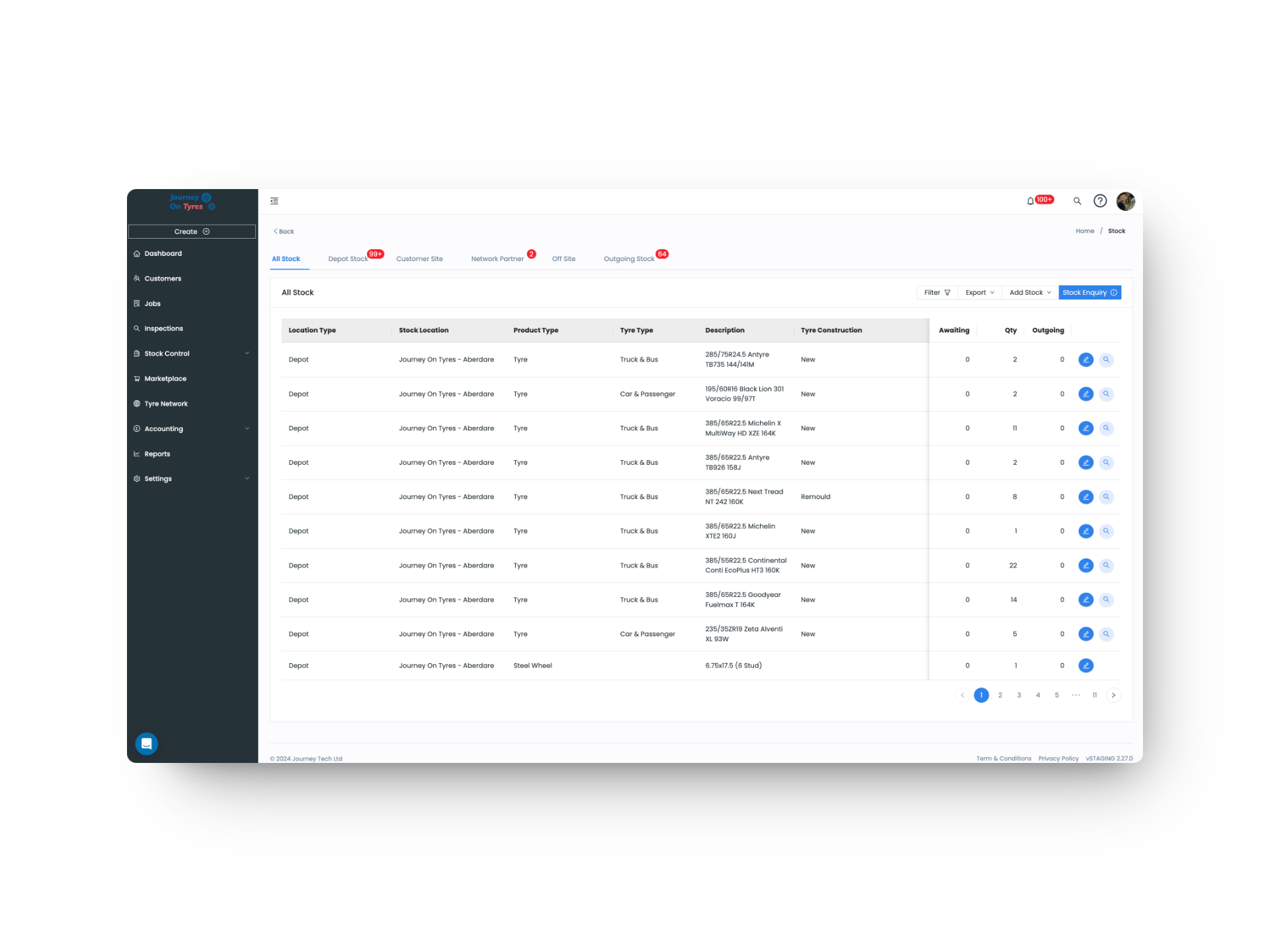
Real-time stock visibility across every location. TyreOps tyre stock control software tracks tyres by size, brand, condition and location, with automated low-stock alerts.
No setup fees · No credit card · Cancel anytime
Trusted by leading tyre businesses across the world





Everything You Need From Tyre Stock Control Software
Real-Time Inventory Levels
See exactly how many tyres you have in stock at every location, updated in real time as tyres are received, fitted, or transferred. No more manual stock counts or guesswork.
Search by Size, Brand & Type
Find any tyre in seconds with powerful search and filtering. Look up stock by width, profile, rim size, brand, speed rating, or load index across all your storage locations.
Low Stock Alerts
Set minimum stock thresholds for your best-selling sizes and receive automatic alerts when levels drop. Stay ahead of demand and never turn away a customer due to stockouts.
Inter-Branch Transfers
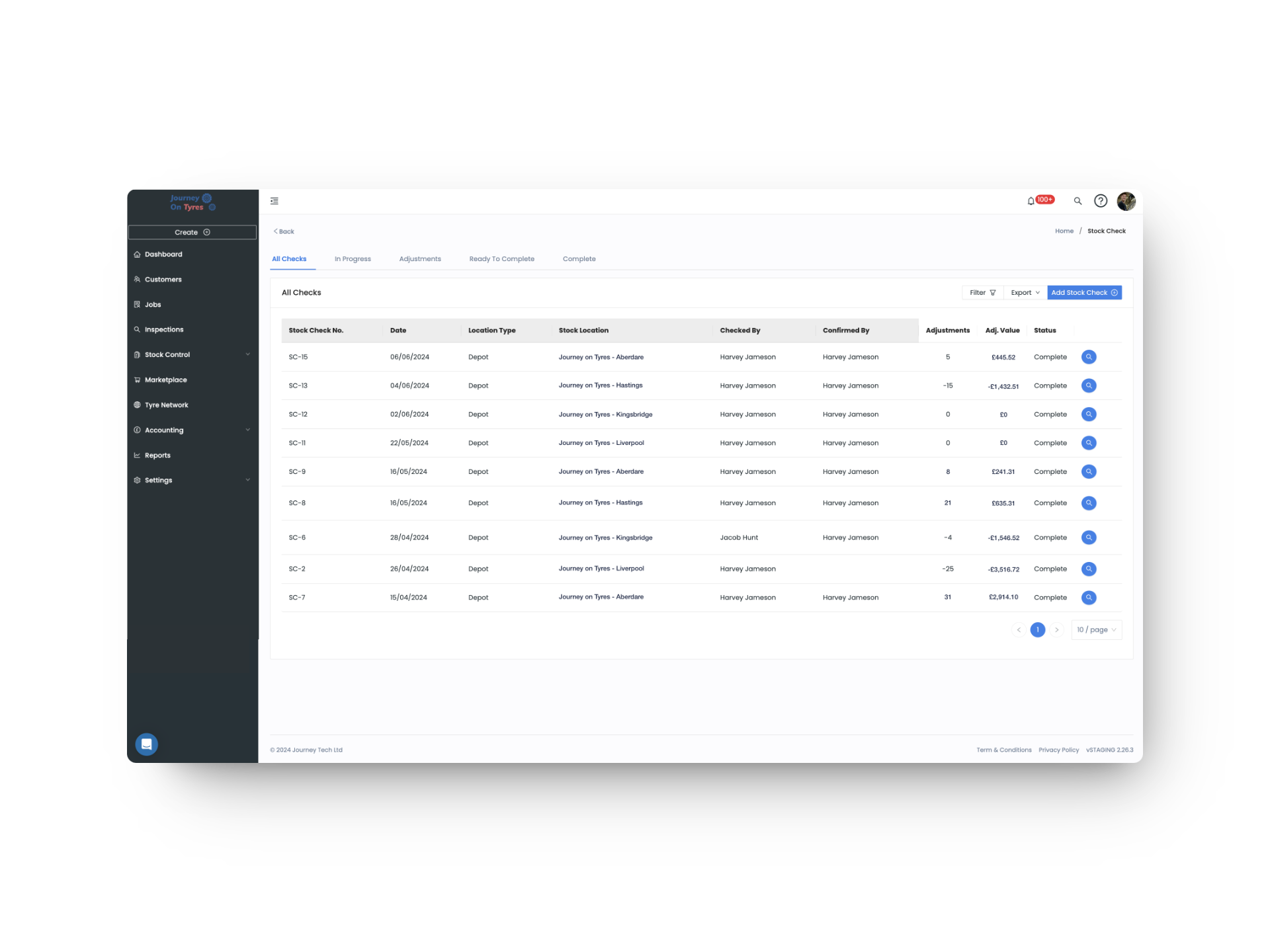
Move stock between locations with tracked transfer orders. Both sending and receiving branches update automatically, maintaining accurate inventory across your entire network.
Cost & Margin Tracking
Record purchase costs against every tyre in stock and track your margins in real time. See exactly how much profit each sale generates and identify your most profitable product lines.
Goods-In Management
Book deliveries into stock quickly with batch intake tools. Scan or enter tyre details, verify against purchase orders, and update inventory levels before tyres even leave the delivery van.
How Tyre Stock Control Software Works in 3 Steps
01 | Set up Your Stock
Import your existing inventory or add items manually. Set minimum stock levels for your best-selling sizes so TyreOps knows when to alert you before you run out.
02 | Track in Real Time
Every time a tyre is received, fitted, transferred, or sold, your stock levels update automatically. No manual adjustments, no end-of-day reconciliation, just accurate numbers all day long.
03 | Reorder Smartly
TyreOps sends automated low-stock alerts and generates reorder suggestions based on your sales history. Integrate with your suppliers to speed up purchasing and keep your shelves stocked.
Stock Accuracy
Less Dead Stock
Stock Lookups
Inventory Sync
Tyre Inventory Management Across Every Location
Tyre stock control software gives you a unified view of your entire tyre inventory, whether you operate from a single workshop or manage stock across multiple depots. Know exactly what you have, where it is, and when you need to reorder.
- Unified inventory view across all warehouses, branches, and mobile vans
- Track tyres by size, brand, model, DOT code, condition, and storage location
- Barcode and QR code scanning for rapid stock intake and lookup
- Automatic stock deduction when tyres are allocated to jobs
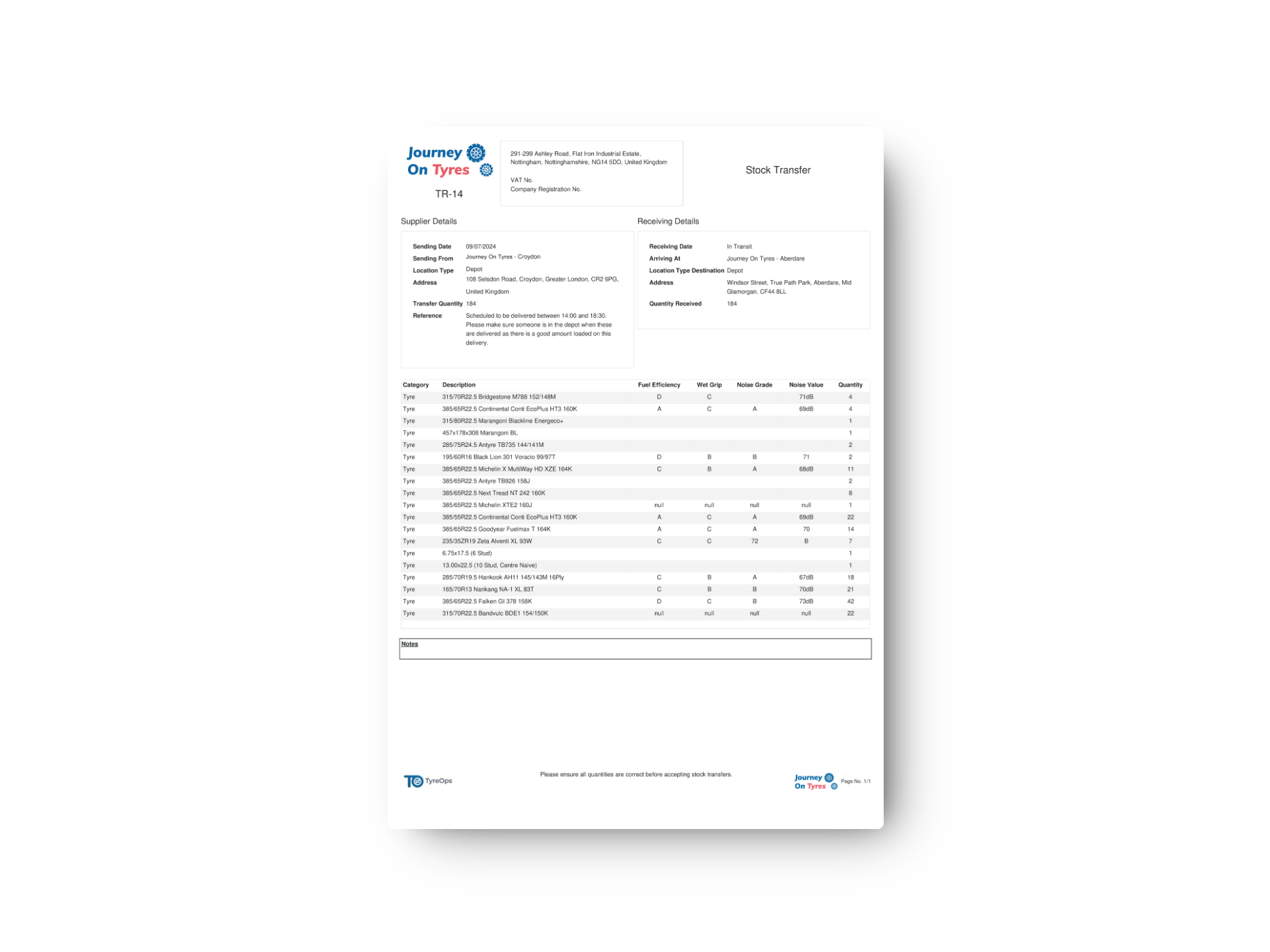
- Stocktake tools for periodic physical count reconciliation

Tyre Stock Control Software for Smarter Purchasing
Tyre stock control software stops you over-ordering slow movers and running out of your best sellers. TyreOps stock analytics give you the data to optimise purchasing, reduce waste, and keep your cash flow healthy.
- Sales velocity reports showing which sizes and brands move fastest
- Seasonal demand patterns to inform forward purchasing decisions
- Automated reorder suggestions based on historical sales data
- Supplier performance tracking for delivery times and pricing
- Dead stock identification to clear ageing inventory before it loses value
Features That Work With Tyre Stock Control Software
TyreOps modules are built to work together. Explore how other features work alongside your tyre stock control software.
Create, assign and track tyre jobs from any device, with mobile job cards for your fitters.
Reports & AnalyticsGo deeper with advanced reporting, custom dashboards and scheduled exports for stakeholders.
Digital InspectionsDVSA-compliant tyre inspections with photos and tread depths, attached straight to the job.
Browse All FeaturesSee everything TyreOps can do, from real-time dashboards to automated invoicing.
See TyreOps in Action
Book a personalised demo and see how TyreOps fits your tyre operations. 30 minutes. No obligation.
Trusted by leading UK tyre businesses



Tyre Stock Control Software FAQs
Can tyre stock control software track part-worn and new tyres separately?
How does stock update when a tyre is fitted?
Can tyre stock control software manage stock across multiple warehouses?
Does the tyre stock control software support barcode scanning?
How do I handle stock on mobile fitting vans?
Can TyreOps help me identify slow-moving stock?
Ready to Run Your Tyre Business on TyreOps?
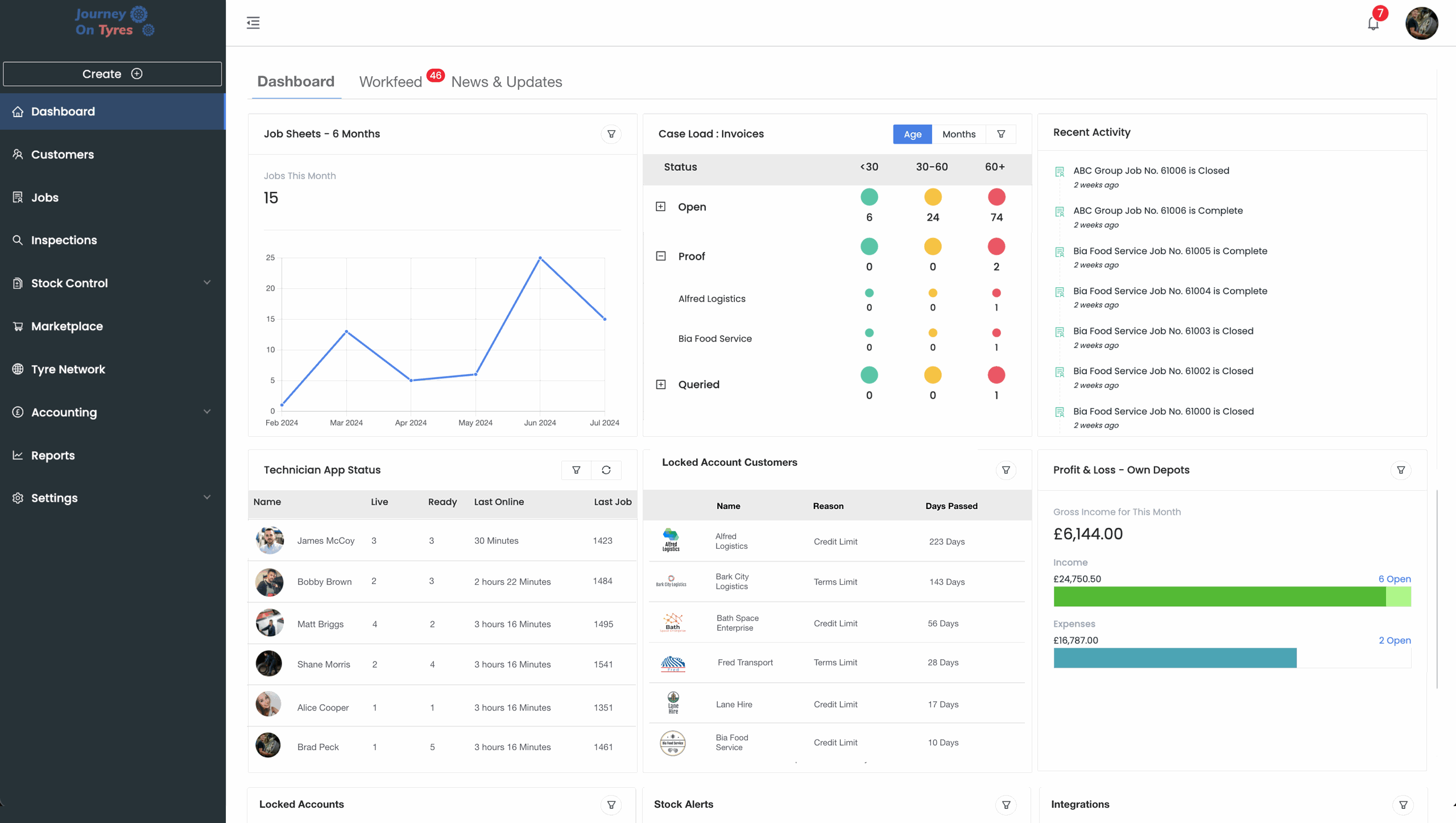
100+ tyre businesses already use TyreOps