

Tyre Retreading Software: Every Casing, From Removal to Retread
A casing leaves a vehicle and TyreOps tyre retreading software takes it from there, into the casing bank, through inspection and on to whichever outcome makes sense: retread, return, resale or disposal. If you run a retread plant, the full eight-step factory workflow is built in.
No setup fees · Cancel anytime
Trusted by leading tyre businesses across the world





Tyre Retreading Software Built for the Casing Lifecycle
Generic tyre software treats a removed tyre as waste. TyreOps treats it as an asset with a decision attached, tracked from the moment it leaves the vehicle to the moment it goes back on one.
Captured at the Point of Removal
Your technician selects Casing Bank when the tyre comes off. It’s logged with serial, size, make, pattern, construction and reading, against the job and the vehicle it came from.
One Place to Decide What Happens Next
Every casing lands in Casing Management for your depot manager or inspector to review. It then goes to retread, back to the manufacturer, into customer own property, on to resale, or to disposal.
A Real Factory Floor Workflow
Inspection, buffing, repairs, preparation, cure, final inspection and engrave. Each step is a queue your operators work through, with scan-in and a full timeline per casing.
Every Operator, Only Their Step
Switch on My Step and a buffing operator sees the buffing queue and nothing else. No scrolling past work that isn’t theirs.
Every Casing Traceable to Its Owner
Casings are tracked by the customer they came from, so a plant processing work for account customers always knows whose casing is on the floor.
Finished Retreads Back in Stock
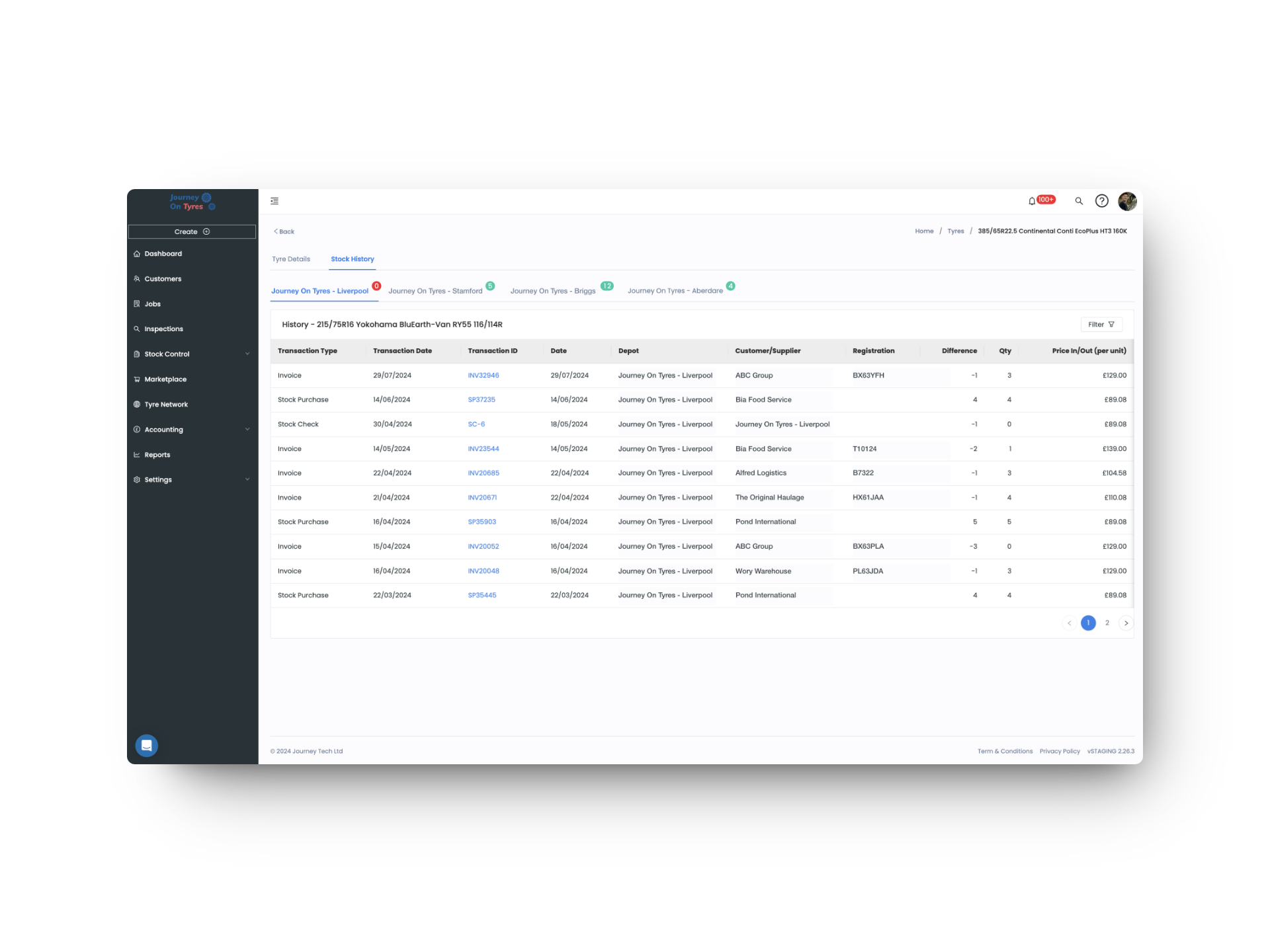
Complete the last step and the retread moves into stock automatically, ready to fit or sell. No re-keying, no separate stock adjustment.
Tyre Retreading Software From Vehicle Back to Vehicle
Casing Management With a Bank That Fills Itself
When a technician removes a tyre, selecting Casing Bank sends it straight into casing management with everything already attached: serial number, size, make, pattern, construction and reading, plus the job, vehicle registration and customer it came from. Nobody writes anything on a clipboard.
- Casing Bank selected by the technician at the point of removal
- Serial, size, make, pattern, construction and reading recorded automatically
- Linked to the job, vehicle registration and customer
- Casing banks held per depot across a multi-site operation
- Casings can also be added manually, for stock received from elsewhere
Tyre Retreading Decisions, Made Casing by Casing
Every casing waits in Pending until your depot manager or casing inspector reviews it. Accept it and it moves straight into the retreading workflow. Reject it and it returns to casing management for a different outcome, with disposal charged to the end customer where that applies.
- Pending, Accepted and Rejected states with a named decision maker
- Inspection notes recorded against the casing
- Accepted casings pass directly into the retreading workflow
- Rejected casings routed to return, resale, customer own property or disposal
- Disposal chargeable to the end customer
- Full casing bank view across every depot
Tyre Retreading Software With One Queue Per Station
Tyre retreading software splits the plant into eight steps: inspection, buffing, repairs, preparation, cure, final inspection, engrave, complete. Each casing carries its own timeline showing exactly where it is and what’s already been done. Operators work their own step, scan casings in, and mark work complete as it moves down the line. Anything that fails along the way goes to disposal or back to the casing bank without leaving the system.
- Eight-step workflow with a live queue count per step
- My Step view so each operator sees only their own station
- Scan-in and process timeline per casing
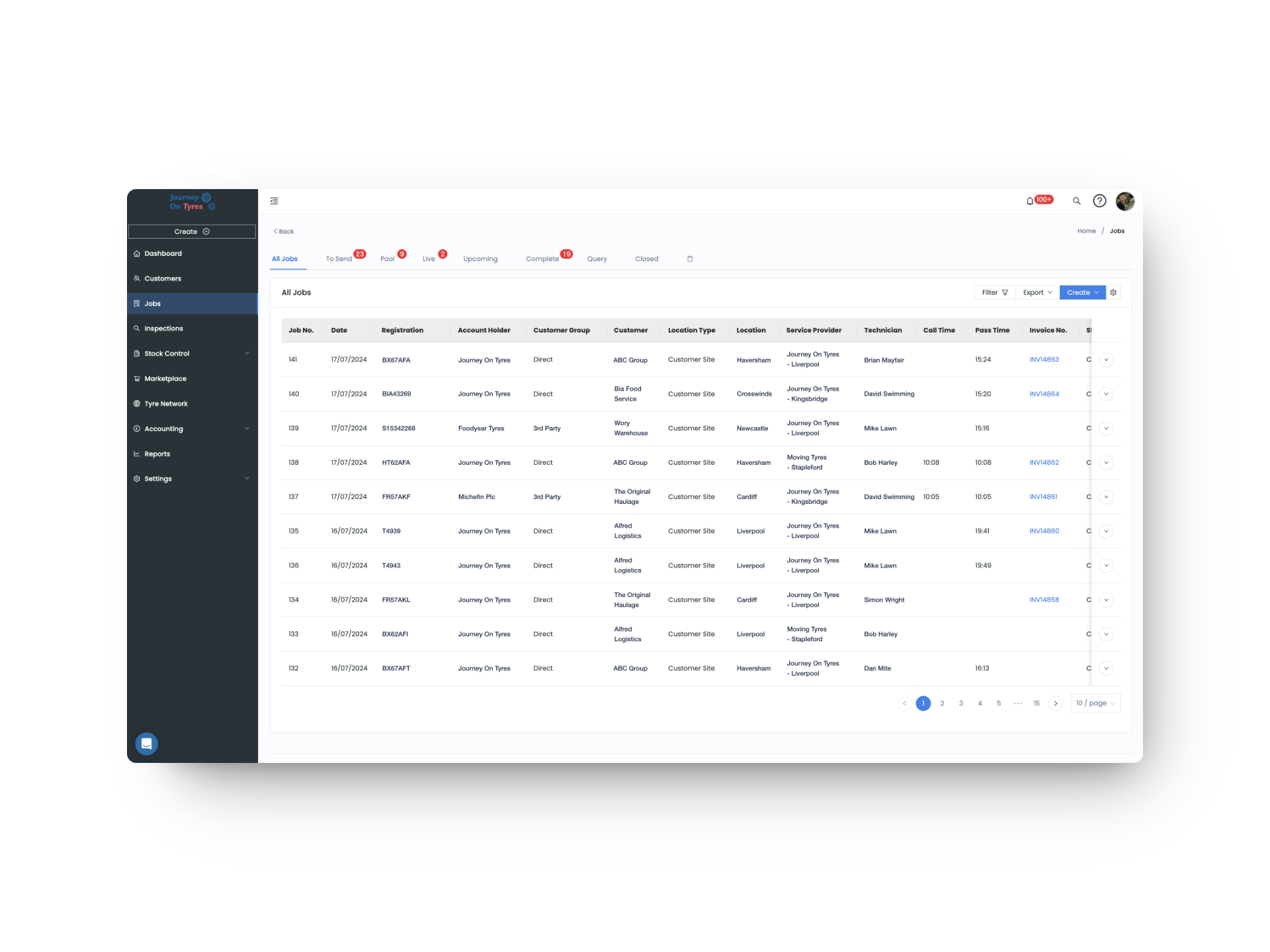
- Filter by depot, owner, current step, priority or last updated
- Send to Disposal or Return to Casing at any stage
- Completed retreads added to stock automatically
Casing Management That Proves Where Every Casing Went
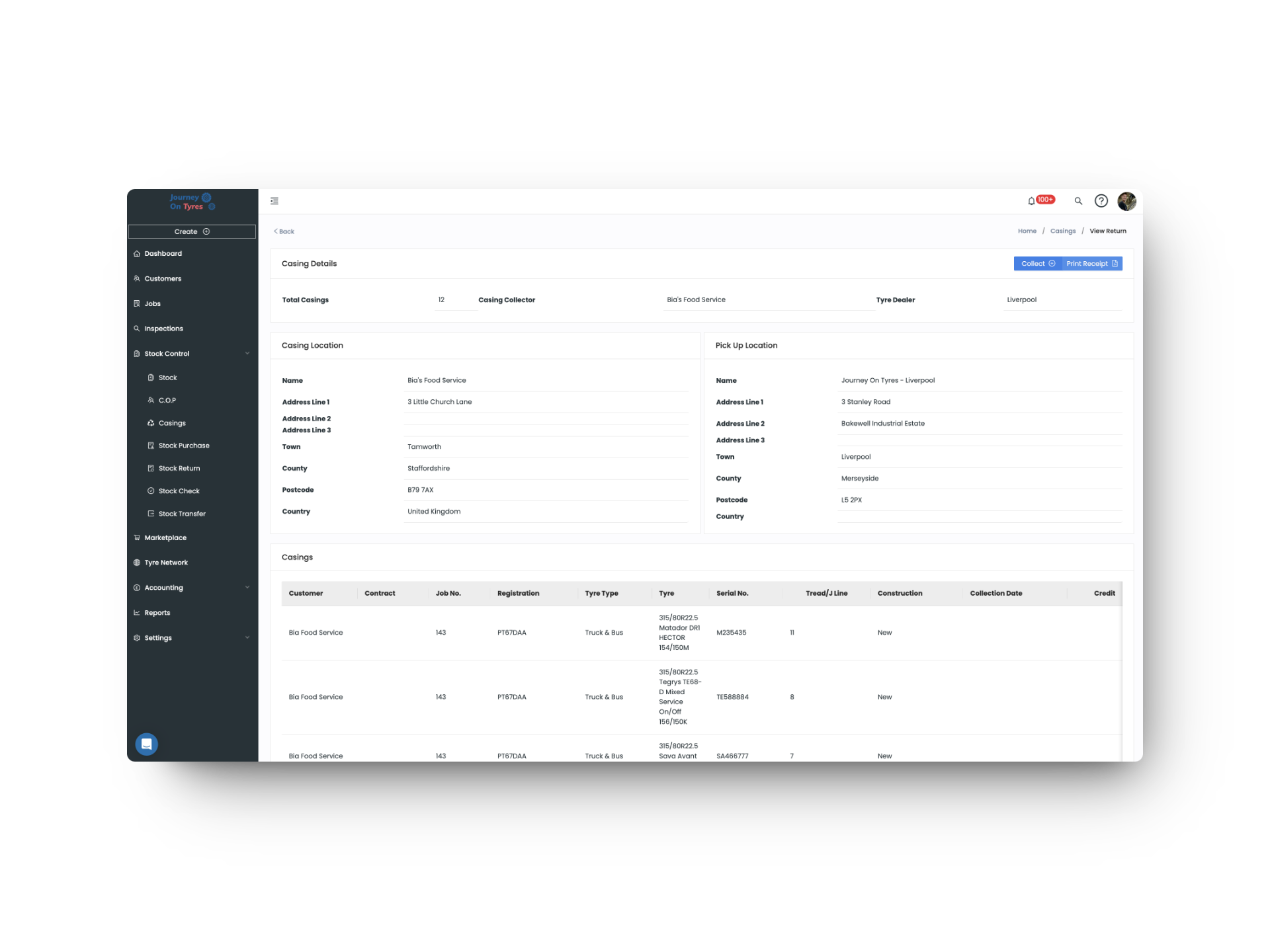
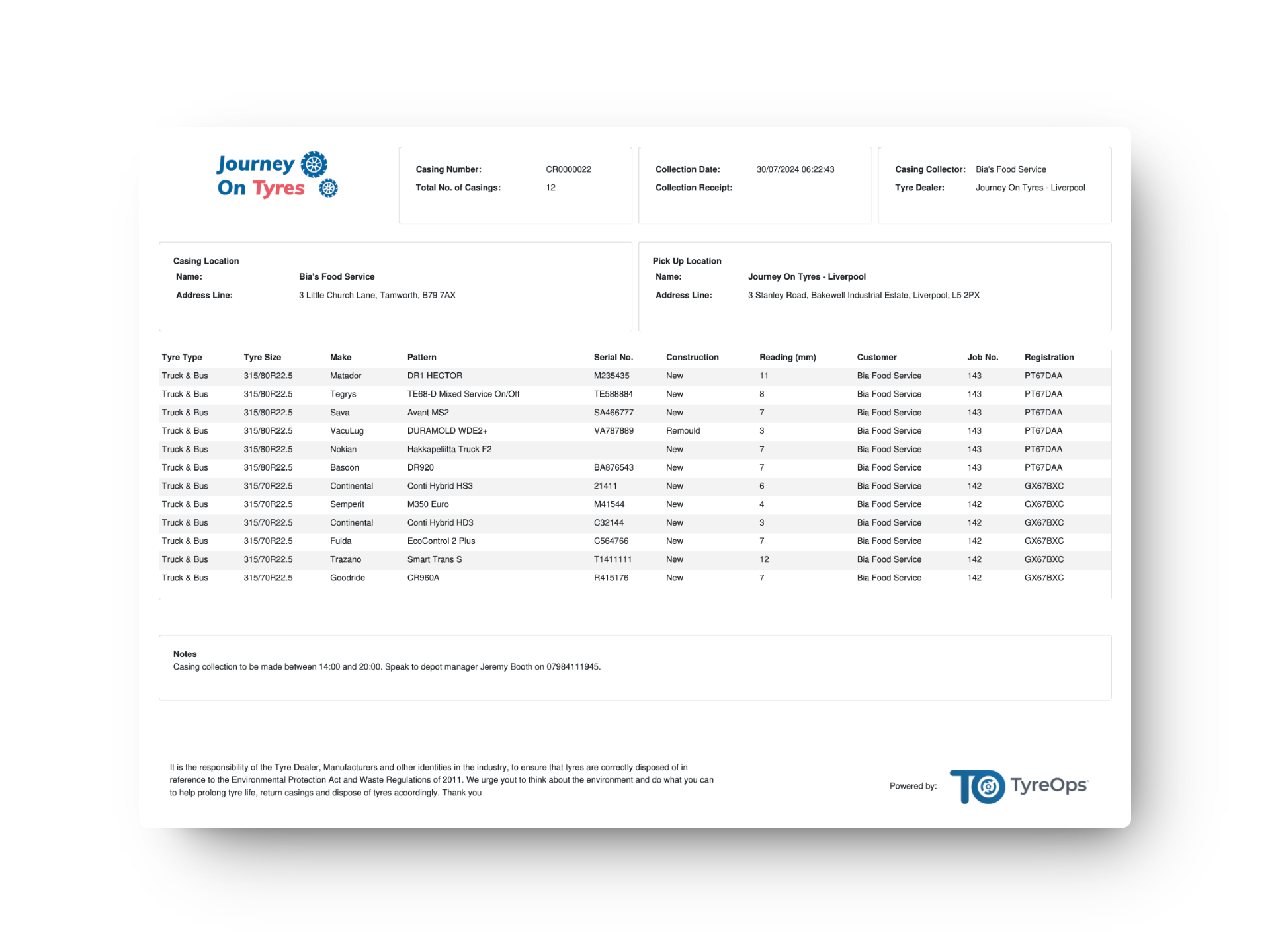
Raise a Casing Return ticket and TyreOps produces a collection document listing every casing by serial, construction and reading, with the collection point, the receiving collector and a driver signature. Open tickets stay visible until they’re collected, so nothing sits in a corner unaccounted for.
- Casing Return tickets with open and completed views
- Collection PDF listing every casing by serial, construction and reading
- Casing location and pick-up location on every document
- Driver acknowledgement and signature on collection
- Returns to manufacturers, collectors or disposal partners
What Tyre Retreading Software Means for Your Operation
Nothing Falls Off the Back
Every casing has a state, an owner and a next action from the moment it leaves the vehicle. Nothing sits in a pile waiting for somebody to remember it.
Your Plant Runs From One Screen
Operators work their own queue, supervisors see every step at once, and a finished retread lands back in stock without anyone touching a spreadsheet.
Every Movement Documented
Collection notes, serial numbers, readings and driver signatures: the paperwork produces itself, and it’s there when a customer or a manufacturer asks.
Features That Work With Tyre Retreading Software
TyreOps modules all work from the same data. Explore how other TyreOps features complement your tyre retreading software.
Real-time stock levels across every location, with low-stock alerts.
Tyre NetworkSend and receive work across a network of service providers, tracked per partner.
InspectionsDigital tyre inspections with photos, tread depths and automatic defect detection, attached straight to the job.
Browse All FeaturesSee everything TyreOps can do, from real-time dashboards to automated invoicing.
Who Else Uses Tyre Retreading Software
See TyreOps in Action
Book a personalised demo and see how TyreOps would run your tyre operations. 30 minutes. No obligation.


Trusted by 100+ UK tyre businesses
Tyre Retreading Software FAQs
What happens to a casing when it comes off a vehicle?
Your technician selects Casing Bank on the job. The casing is logged with its serial, size, make, pattern, construction and reading, linked to the job, vehicle and customer, and waits in casing management for a decision.
Do I need to retread to use casing management?
No. Retreading is one outcome among several. Businesses with no plant of their own still use casing management to return casings to manufacturers, move them into customer own property, sell them on, or dispose of them and charge the customer.
Who decides whether a casing is retreaded?
Your depot manager or casing inspector. They review each casing in Casing Management, record their notes, and either accept it into the retreading workflow or reject it for another outcome.
What are the retreading workflow stages in TyreOps tyre retreading software?
Inspection, buffing, repairs, preparation, cure, final inspection and engrave, then complete. Every casing carries a timeline showing which steps are done and which step it’s waiting on.
Can operators see only their own step in tyre retreading software?
Yes. Switching on My Step filters the queue to a single station, so a buffing operator sees buffing work and nothing else. Supervisors can view every step at once.
Can I retread casings that belong to my customers?
Yes. Every casing is tracked against the customer it came from, so a plant processing work for account customers always knows whose casing is on the floor and where it is in the process.
What happens if a casing fails inspection?
It moves back into casing management and the rejected list, where it can be returned, sold on, or disposed of with the cost charged to the end customer. Casings can also be sent to disposal or returned to the casing bank at any point in the retreading process.
What happens to a retread once it’s finished?
Completing the final step moves it into stock automatically, ready to fit or sell like any other tyre. There’s no separate stock adjustment to make.
How do I return casings to a manufacturer or collector?
Raise a Casing Return ticket and TyreOps produces a collection document listing every casing by serial, construction and reading, with collection and pick-up locations and a driver signature. Open tickets stay visible until collection is confirmed.



100+ tyre businesses already use TyreOps