

Tyre Shop Software for Retail Tyre Businesses
From the counter to the customer’s driveway, TyreOps tyre shop software takes a retail job from quote to invoice to fitted tyre without anyone re-keying a thing. Live stock, live margin, and every job checked before it reaches your customer.
No setup fees · Cancel anytime
Trusted by leading tyre businesses across the world



Tyre Shop Software With Everything in One Place
Stop juggling spreadsheets, paper diaries and disconnected systems. TyreOps brings quoting, stock, fitting, invoicing and your accounts into a single platform built specifically for tyre businesses.
Quote, Invoice, Job: One Chain
Quote at the counter, convert it to an invoice when the customer says yes, and raise the job straight from that invoice. Nothing is typed twice.
One Box. Every Tyre.
One search box covers 210,000+ tyres plus wheels, tubes and flaps, filtered to the vehicle in front of you. Competitors make you fill in five separate fields.
Live Stock, Live Margin
See what’s actually on your shelves as you build the invoice, with gross profit calculated live from weighted average cost before the customer has agreed to anything.
Checked Before It’s Sent
Your technician completes the job on the app. Your team reviews and edits the job sheet before it ever reaches the customer. No other tyre platform lets you do this.
Cash Up in One Screen
A single end-of-day view of what was taken and how, so you know exactly what’s going to the bank before you lock the door.
Retail Today, Whatever’s Next Tomorrow
Retail is one of several tyre operations TyreOps runs on the same shared foundation, so expanding into commercial, wholesale or retreading never means changing system.
Explore All Tyre OperationsTyre Shop Software From the Counter to the Kerbside
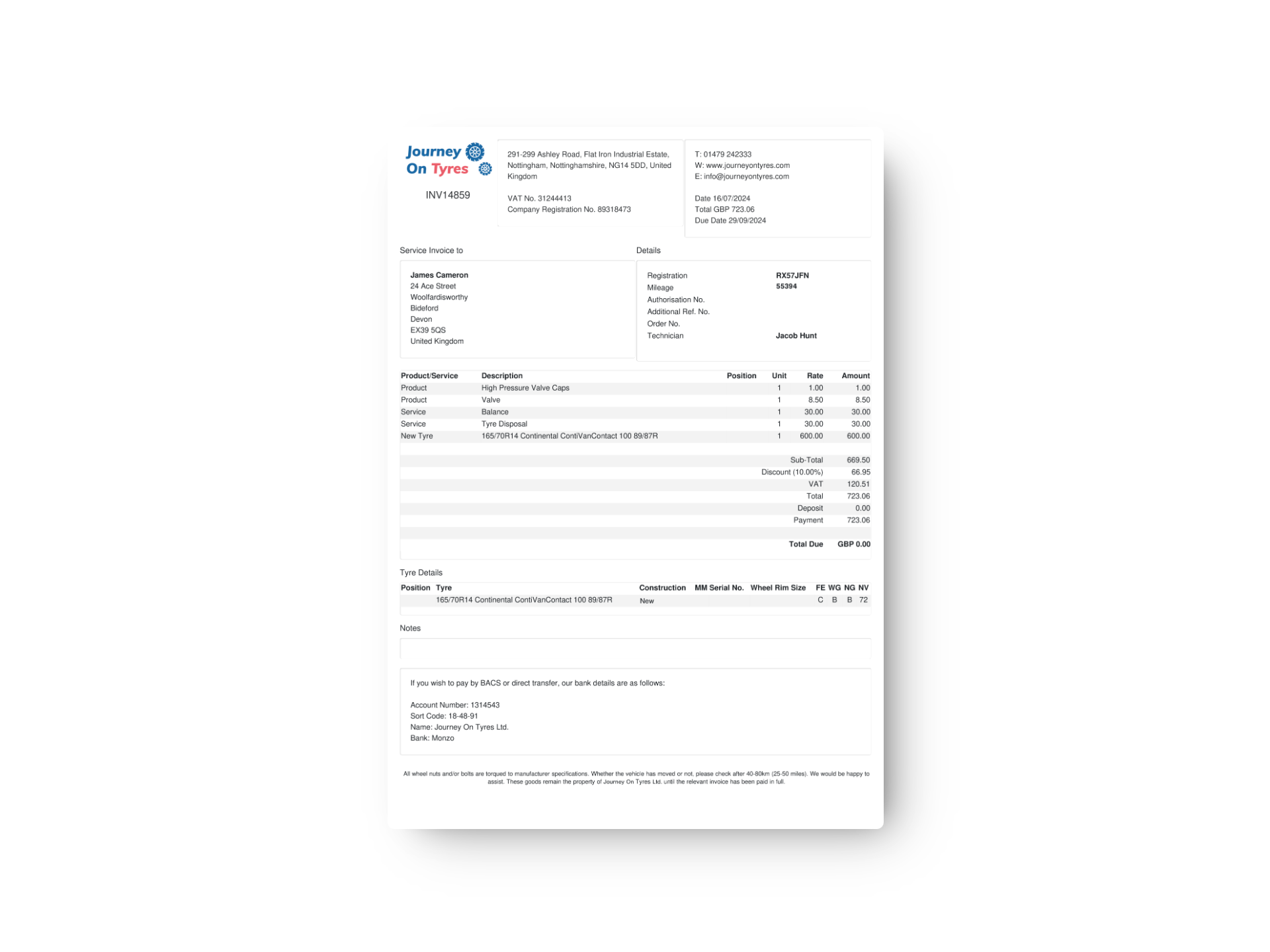
Tyre Shop Quotes, Invoices and Jobs on One Chain
A customer asks for a price and walks out with a quote that holds for as long as you decide. When they come back, that quote becomes an invoice, and the invoice raises the job. Once the work is done it returns to you for final payment, with anything extra the technician found already on it.
- Quotes with an expiry period you set
- One-click conversion from quote to invoice
- Jobs raised directly from the invoice, no re-entry
- Deposits and partial payments recorded against the invoice
- Additional items found during the job flagged back before final payment
Price Every Tyre Shop Sale Right, First Time
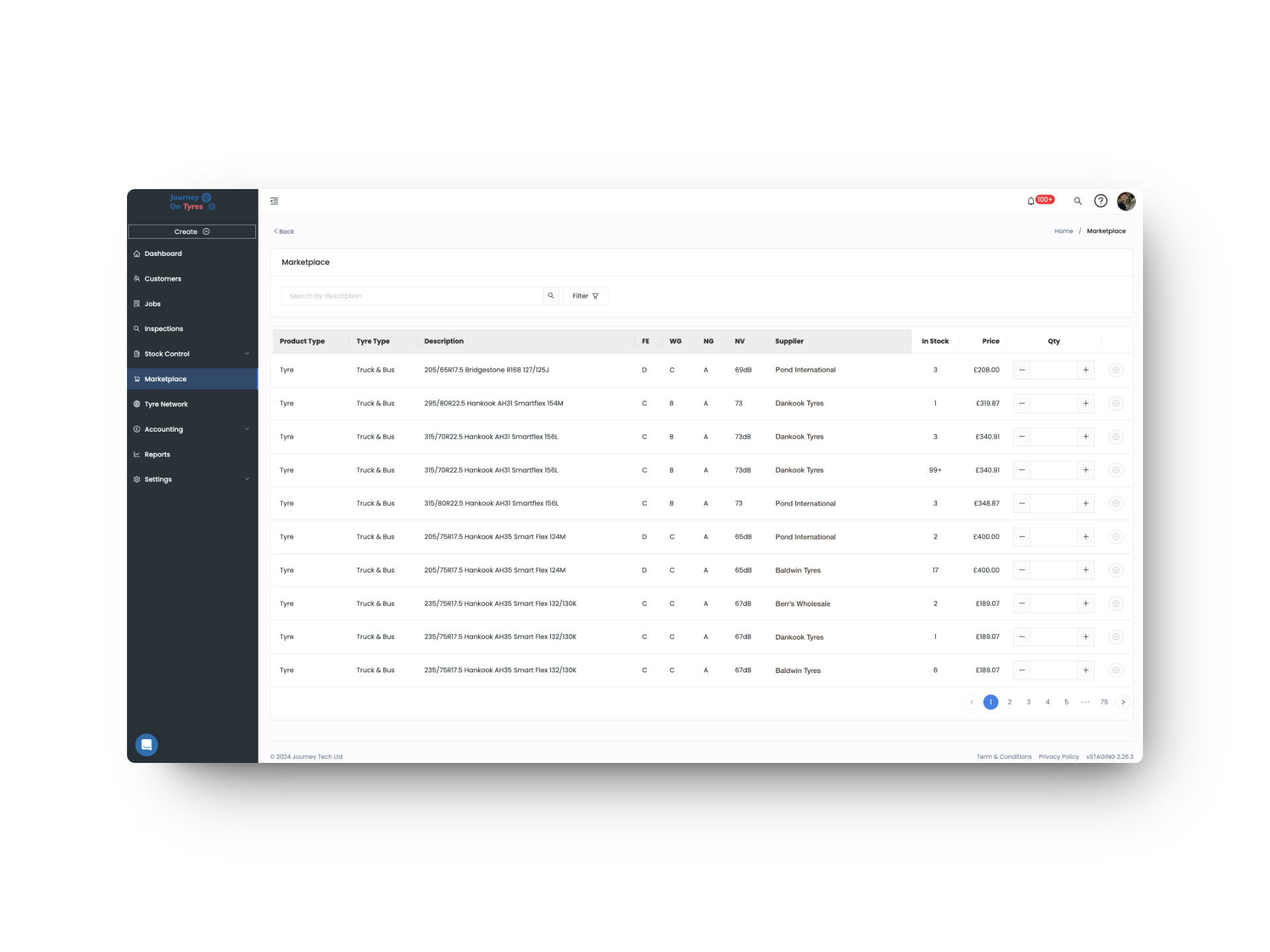
Search the vehicle, not a spec sheet. In our tyre shop software, one box covers 210,000+ tyres plus wheels, tubes and flaps, showing what you have in stock right now. As you build the invoice, gross profit updates live from weighted average cost, so you know the margin before you quote the price.
- 210,000+ tyre database with TLGX and partial search
- Wheels, tubes and flaps in the same search
- Live stock levels shown at the point of selection
- Live gross profit from weighted average cost as the invoice is built
- Five price list types for retail, trade and account pricing
Every Tyre Shop Job Proven and Reviewed
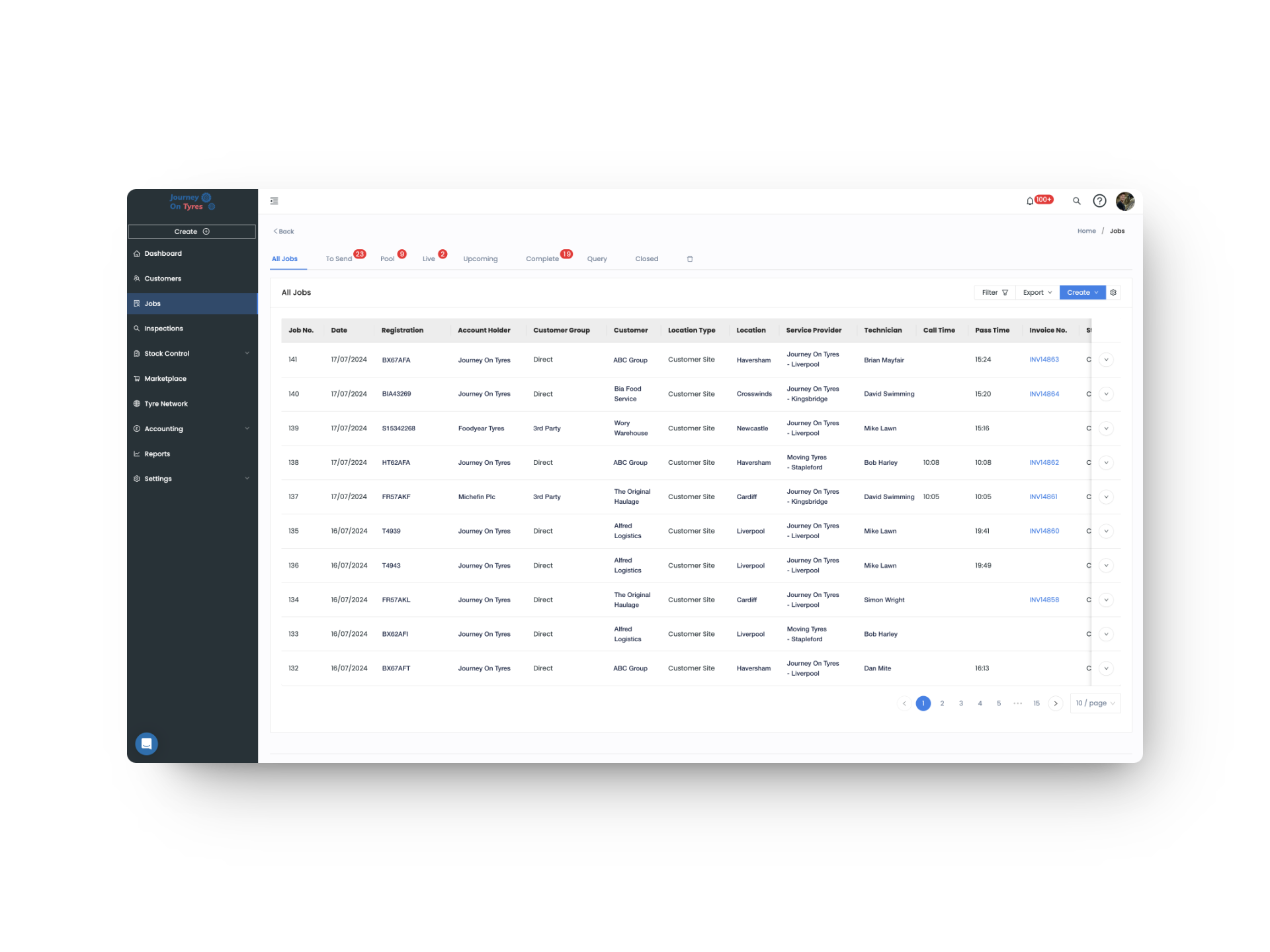
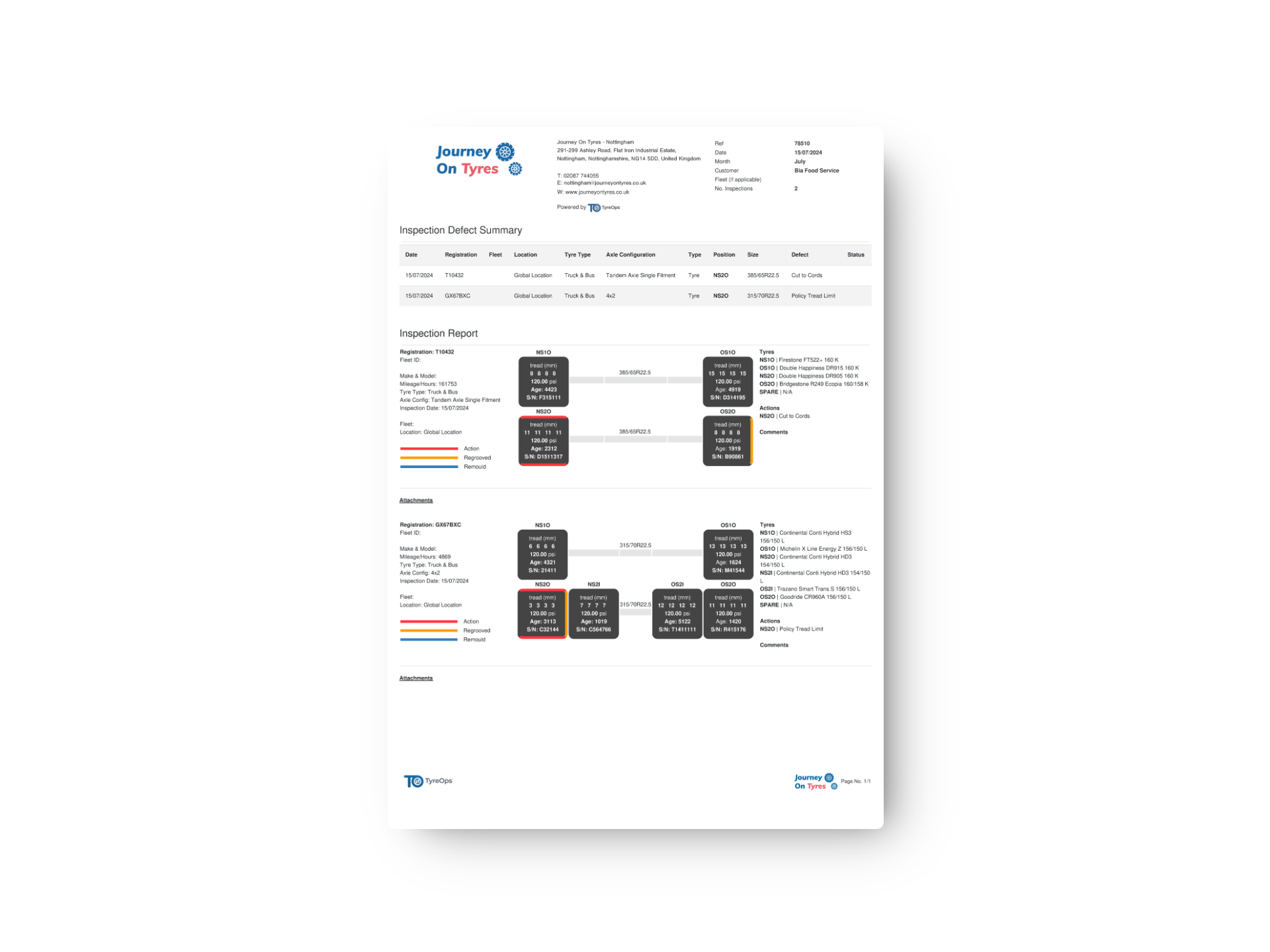
With tyre shop software, technicians work from dedicated iPhone, iPad and Android apps, capturing photos, torque values and signatures as they go. Before any of it reaches your customer, your team can review and edit the job sheet, something no other tyre platform allows.
- Dedicated iOS and Android apps for your fitters
- Photo capture, digital torque tag and wheel security recording
- Full check-and-edit of the job sheet before sending
- Automatic invoicing on completion
- Syncs straight to Xero, QuickBooks or Sage with no double entry
Know What’s On in the Tyre Shop and on the Road
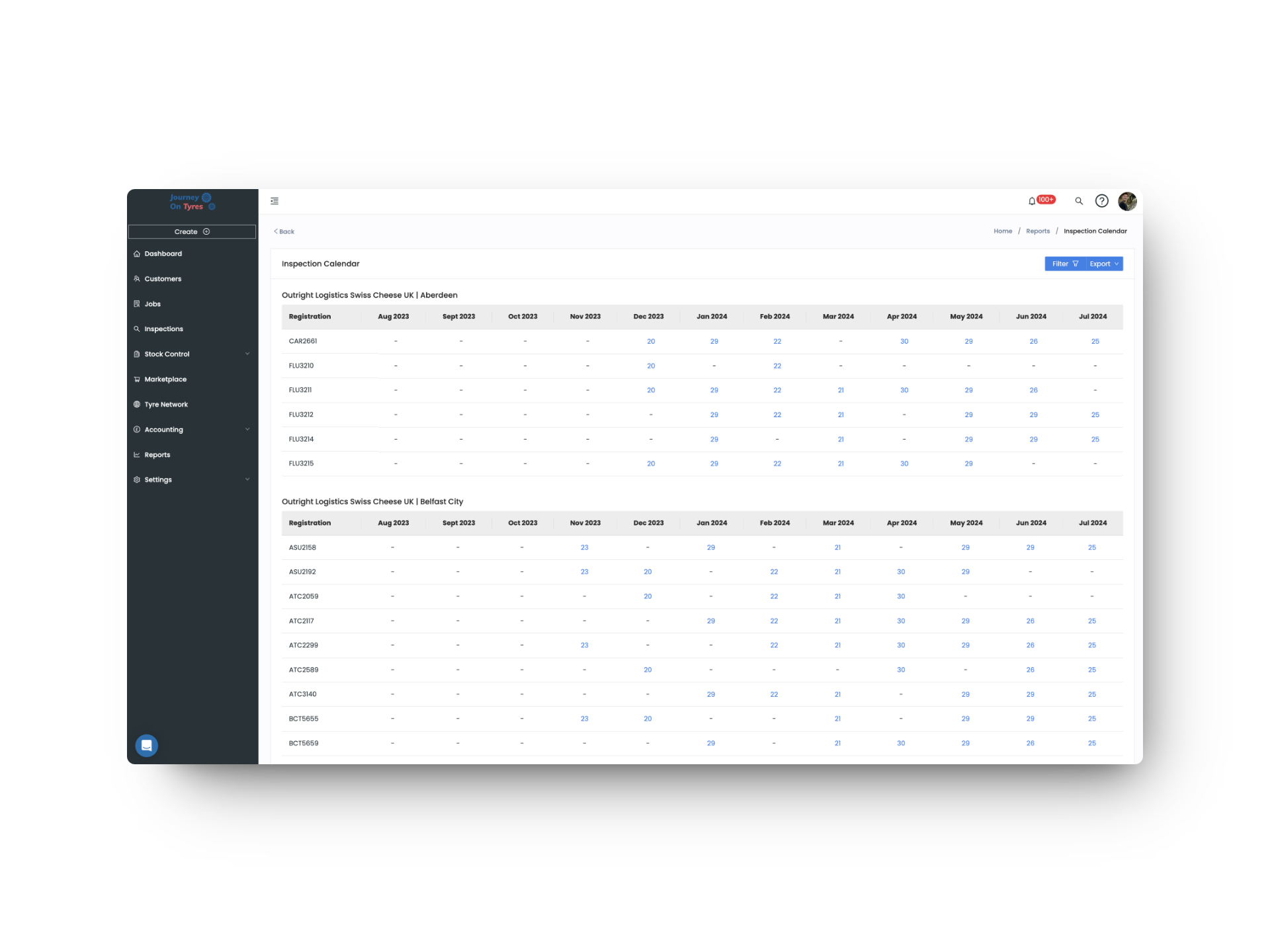
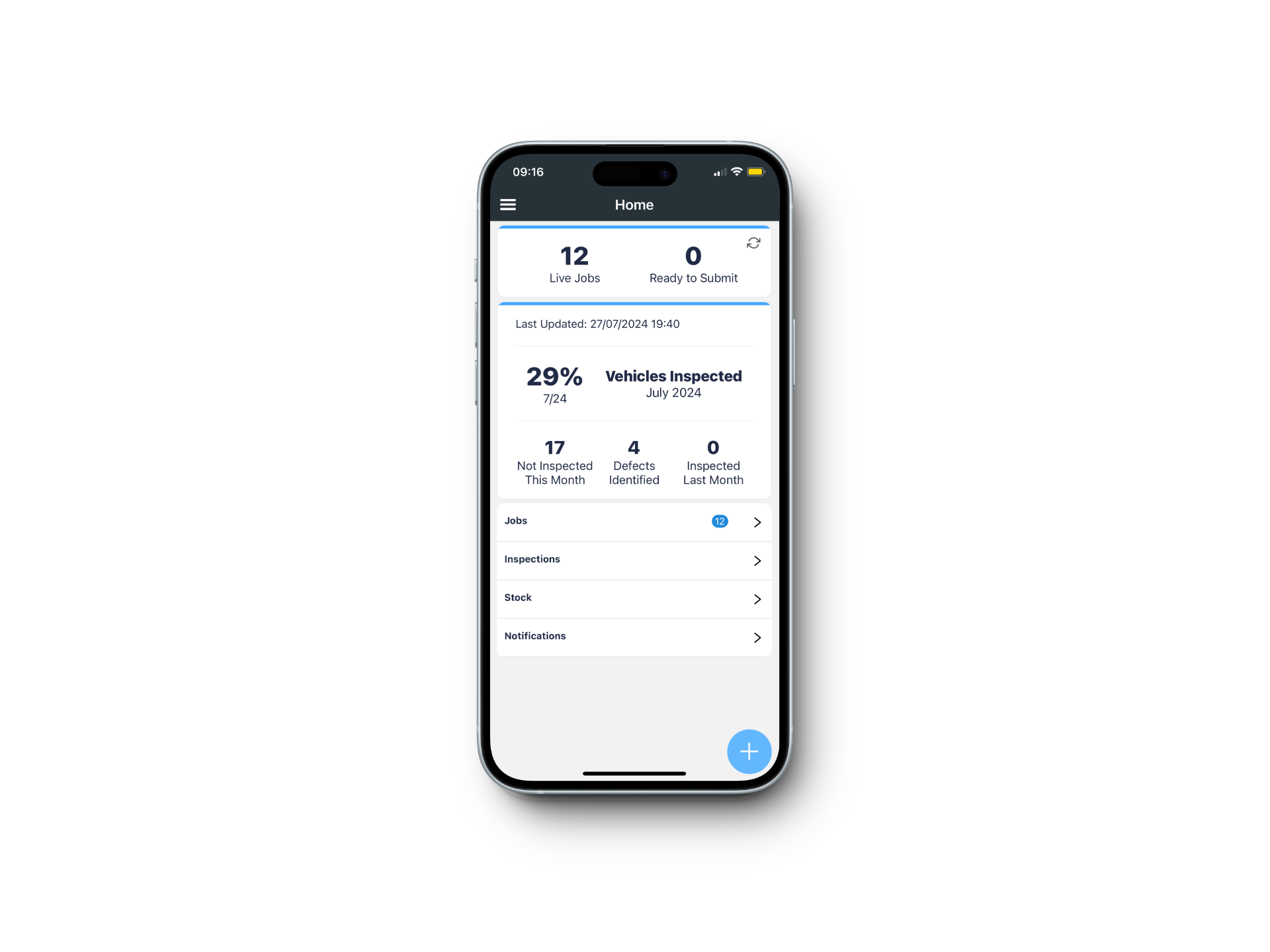
Tyre shop software with a shared calendar and job inbox shows what’s booked in, what’s in progress and what’s waiting. Because everything runs on any device, a van-based fitter on a driveway works exactly the same way as the counter does: same stock, same pricing, same invoice.
- Calendar view of scheduled and in-progress work
- Job inbox for everything waiting to be actioned
- Mobile and van-based fitting on the same system as the shop
- End-of-day cash-up widget and report for banking
- Account customers can log in to view jobs, invoices and vehicle history
What Tyre Shop Software Means for Your Business
Nothing Typed Twice
A quote becomes an invoice becomes a job becomes a payment, with the customer, vehicle and pricing carried through every step automatically.
Margin You Can See
Live cost and gross profit as you build the invoice means you stop finding out a job was unprofitable a month after it left the forecourt.
Nothing Leaves Unchecked
Every job sheet is reviewed and editable before your customer sees it, backed by photos, torque records and a signature.
Features That Work With Tyre Shop Software
TyreOps modules all work from the same data. Explore how other TyreOps features complement your tyre shop software.
Create, assign and track tyre jobs from any device, with mobile job cards for your fitters.
Stock ControlReal-time stock levels across every location, with low-stock alerts and reorder suggestions.
AccountingAutomatic invoicing, cash-up and live margin, syncing to Xero, QuickBooks or Sage.
Browse All FeaturesSee everything TyreOps can do, from real-time dashboards to automated invoicing.
Who Else Uses Tyre Shop Software
See TyreOps in Action
Book a personalised demo and see how TyreOps would run your tyre operations. 30 minutes. No obligation.


Trusted by 100+ UK tyre businesses
Retail Tyre Shop Software FAQs
Can I give a customer a quote to take away?
Yes. Create a quote at the counter with a validity period you set. If the customer accepts, it converts straight into an invoice, and the job for your technician is raised from that invoice.
Can I take a deposit or a part payment?
Yes. Deposits and partial payments are recorded against the invoice, with the outstanding balance tracked until the job is settled.
How do I cash up at the end of the day?
A dashboard widget and an end-of-day report show what was taken and how it was paid, so you can reconcile your takings and bank your cash before closing.
What happens if my technician finds extra work is needed?
Additional items are added to the job as the technician works. When the job returns to the system, they’re flagged on the final invoice before the customer pays, so nothing is missed and nothing is fitted without a record.
Does TyreOps tyre shop software work for mobile and van-based fitting?
Yes. Fitters work from dedicated iPhone, iPad and Android apps with the same stock, pricing and invoicing as the shop counter. A driveway job and a bay job are handled identically.
Does TyreOps integrate with my accounting software?
TyreOps integrates with Xero, QuickBooks and Sage. Invoices and payments sync automatically, eliminating double entry and keeping your books up to date.
Can I run retail and account customers in the same tyre shop software?
Yes. Retail customers are quick to set up with no name or address required, while account customers get full billing details, contacts, vehicle records and their own logins. Both live in the same system with the same stock and pricing.



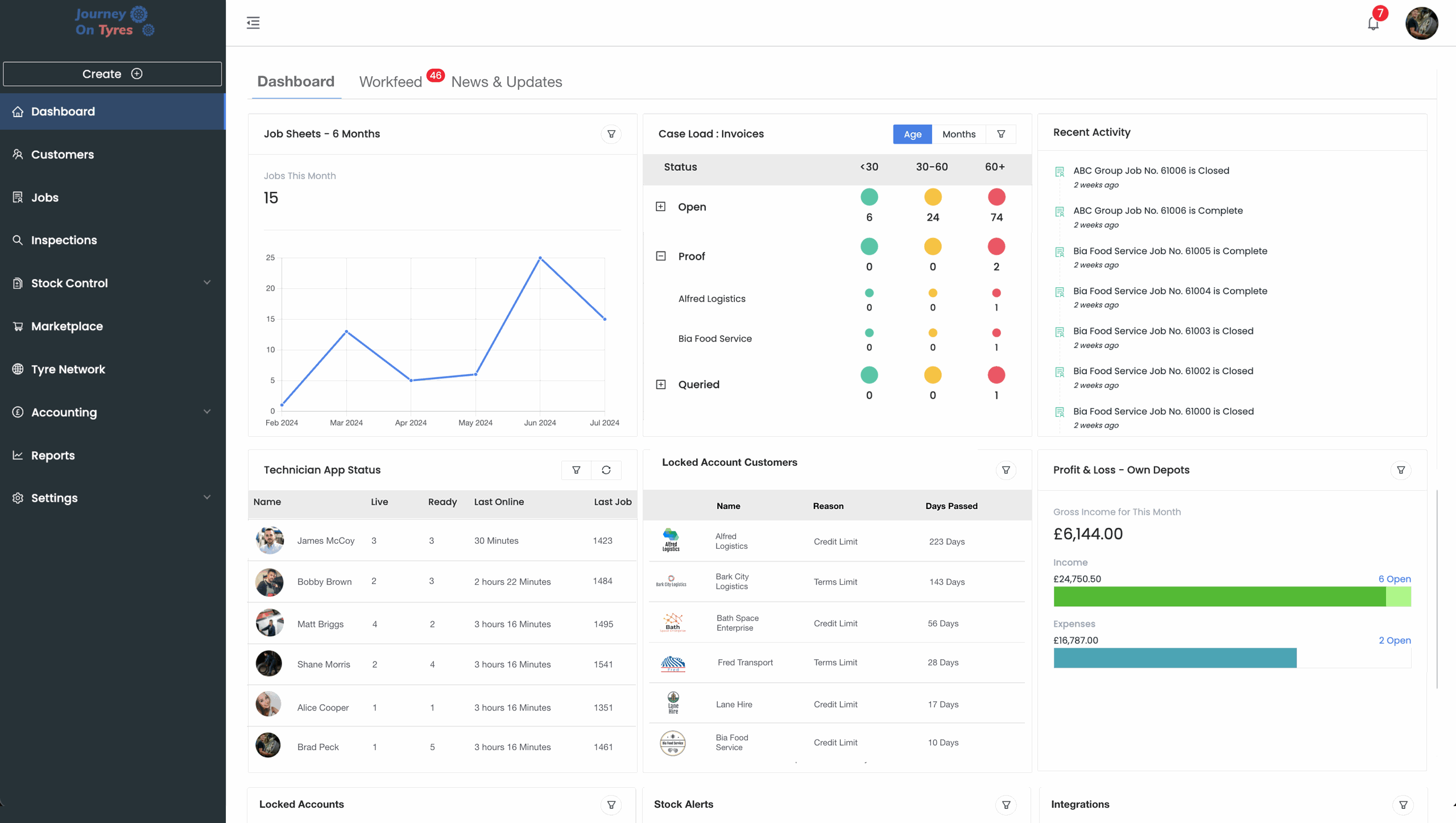
100+ tyre businesses already use TyreOps