

Tyre Job Scheduling Software: Your Depot's Day in One Screen
Workfeed is the tyre job scheduling software inside TyreOps. Accept jobs, manage your diary and catch problems before they become breakdowns, all from the screen your depot manager lives in every day.
No setup fees · Cancel anytime
Trusted by leading tyre businesses across the world





Tyre Job Scheduling Software for Your Whole Depot
Our tyre job scheduling software gives you one screen for the whole day: accept jobs, plan the diary, and catch the problems that turn into breakdowns before they do.
Depot Job Inbox, All in One Place
See every job from your network, customer logins, or manufacturer portals in one inbox. Accept or decline, then send straight to a technician or third-party provider.
Task Board, Not a To-Do List
See only what's upcoming and what's live right now, separate from jobs still waiting to be checked, authorised, or closed.
Tyre Diary, Built Around Your Depot
View your diary by month, week, day, ramp, or technician, with jobs and inspections scheduled in automatically.
Predictive Maintenance Alerts
Know which tyres are due, ageing past legal limits, or due for MOT-linked replacement, before a breakdown forces the issue.
Defects, Straight Into a Job
Every defect picked up on an inspection, whether from a mass fleet check or a job, lands here, ready to convert into a job with one click.
Tyre Changes, Flagged Automatically
If a tyre found on an inspection or job doesn't match what's on record, TyreOps flags it, helping catch theft before it costs you.
How Tyre Job Scheduling Software Works in 3 Steps
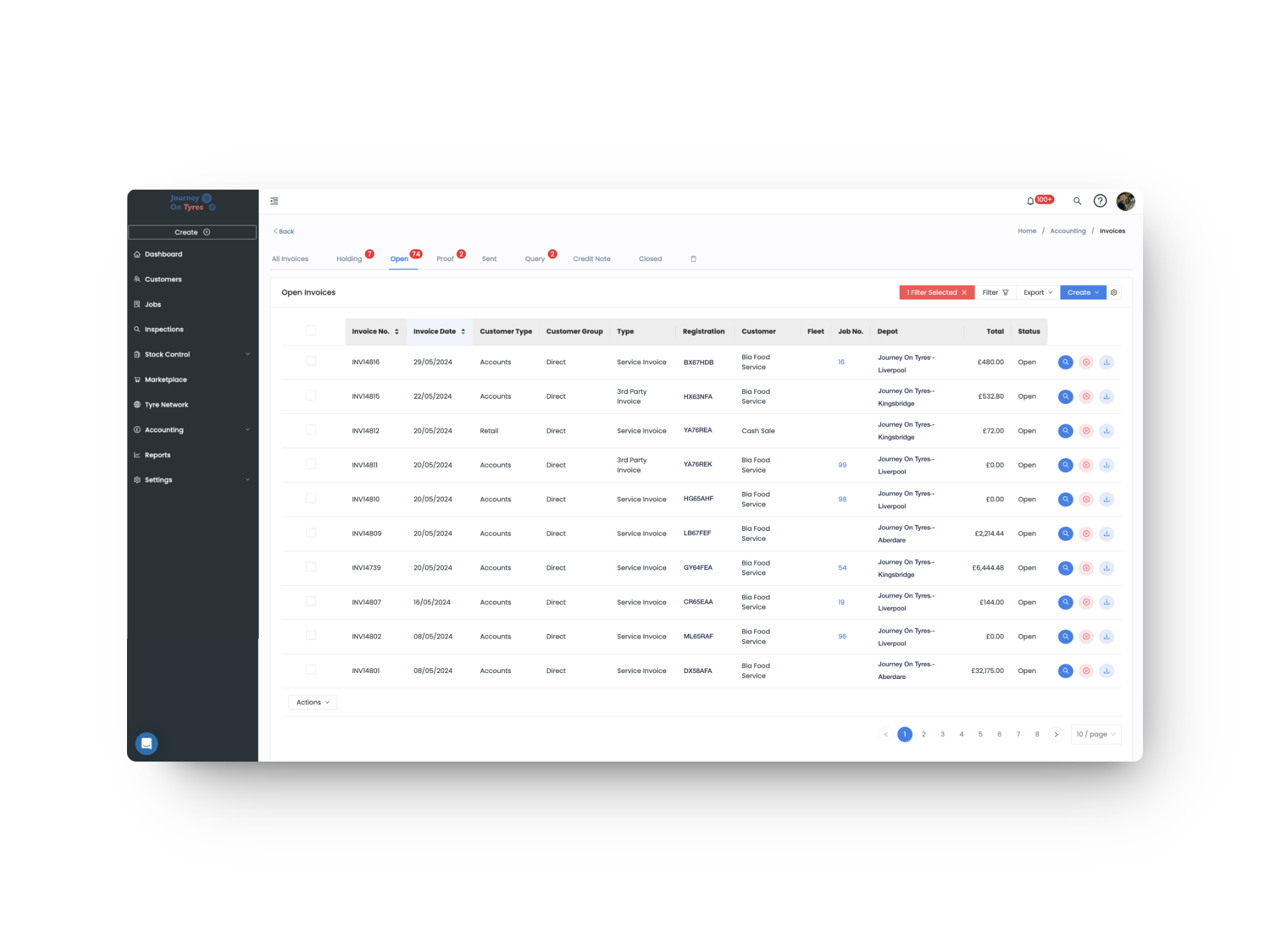
01 | Connect Your Job Sources
Connect your job sources: give account customers their own login to log jobs, set up API connections in Settings, or accept Tyre Network requests from other TyreOps accounts.
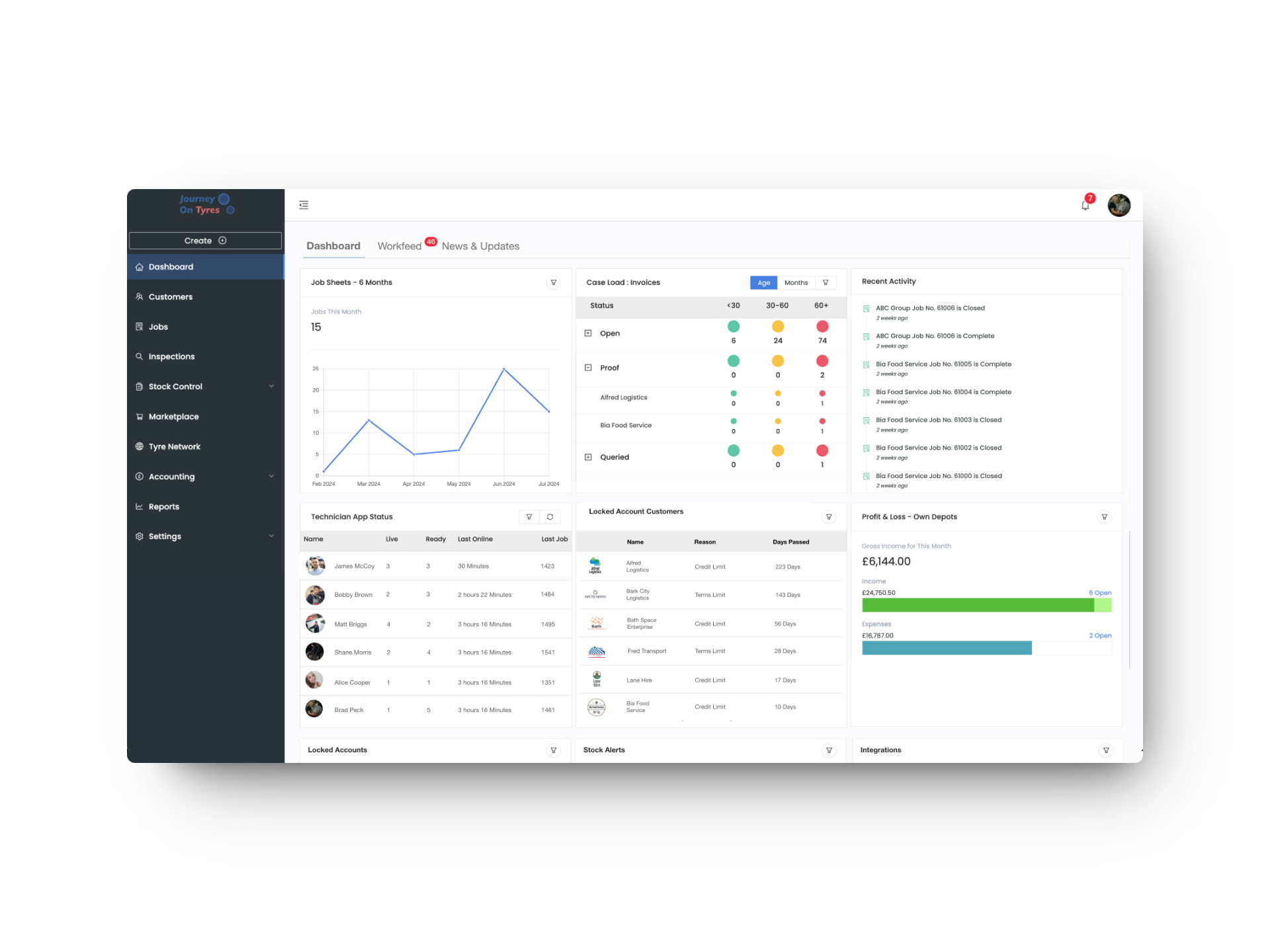
02 | Plan Your Depot's Day
See your calendar by ramp or technician, and your task board for what's upcoming or live right now.
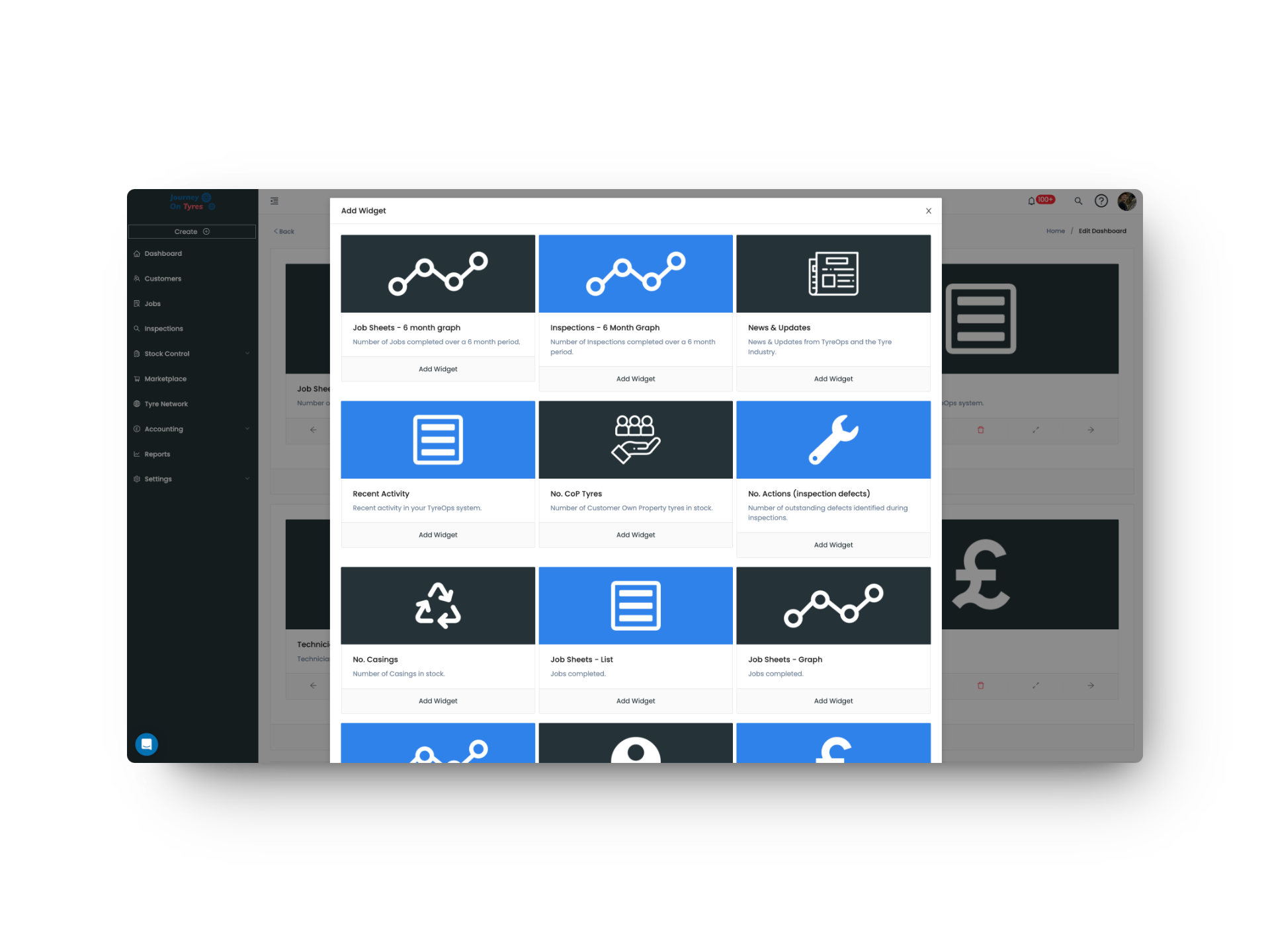
03 | Catch Problems Early
Predictive alerts, defects and tyre changes surface automatically, so you're maintaining fleets before they break down.
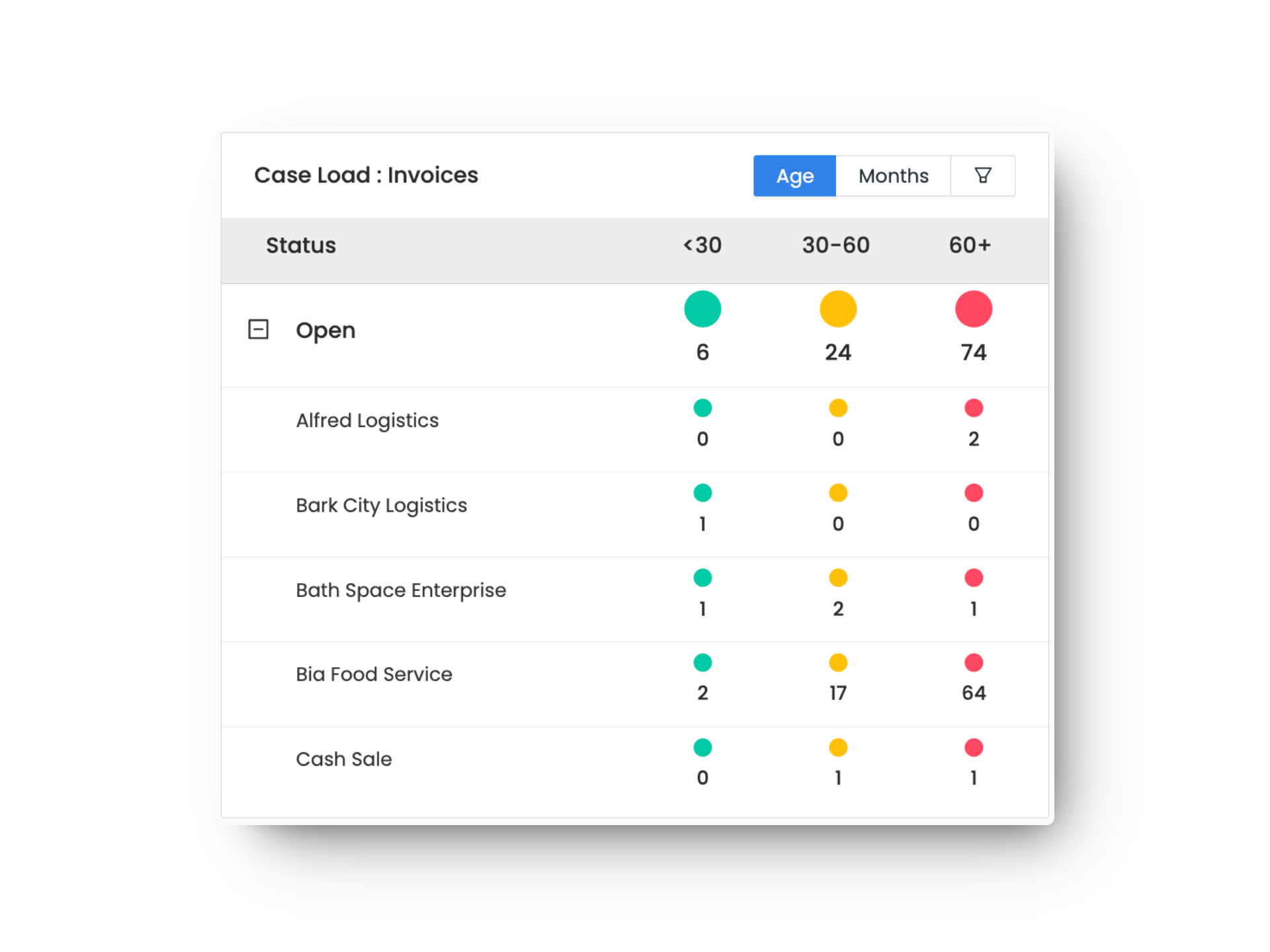
What Tyre Job Scheduling Software Means for Your Business
One Inbox, No Missed Jobs
Every job source in one place, so nothing gets missed and nothing gets double-handled.
Maintenance Before Breakdown
Catch tyres due, ageing stock and defects before they turn into costly reactive repairs.
Theft and Errors, Caught Automatically
Tyre changes that don't match your records get flagged the moment they're found.
Workfeed: Accept Jobs, Plan the Day, Prevent Breakdowns
Every Job in One Depot Job Inbox
With tyre job scheduling software, jobs arrive from your Tyre Network, account customers logging in themselves, or manufacturer and tyre management portals, all in one inbox. See the vehicle, work required, location and estimated value before you accept, then send it straight to a technician's app or a third-party provider.
- Jobs from Tyre Network, customer logins, or manufacturer portals
- Vehicle, work required, location and estimated value shown upfront
- Accept and send to your own technician or a third party in one step
- Breakdown and scheduled maintenance both handled the same way
Plan Your Depot's Day in the Tyre Diary
Tyre job scheduling software shows what's upcoming and what's live right now on the Task Board, separate from jobs still being checked or closed elsewhere. Your calendar runs by month, week, day, ramp or technician, with jobs and inspections scheduled in automatically.
- Task Board shows only what needs action now
- Calendar views by month, week, day, ramp or technician
- Jobs populate the calendar automatically
- Inspections can be scheduled in directly
Workfeed Catches Problems Before They Cost You
Proactive Maintenance flags tyres due for replacement, ageing past legal limits, or linked to an upcoming MOT, based on real wear and mileage data. Defects from any inspection convert straight into a job, and any tyre that doesn't match its vehicle's record gets flagged automatically, helping catch theft before it costs you.
- Predicted tyre replacement dates from mileage and wear rate
- Tyre age flagged against legal limits, including the UK's 10-year steer axle rule
- Defects convert into a job with one click
- Mismatched tyres flagged automatically to help prevent theft
Features That Work With Tyre Job Scheduling Software
TyreOps modules are built to work together. Explore how other features work alongside your tyre job scheduling software.
Create, assign and close jobs from any device, with mobile job cards for your fitters.
InspectionsFast digital inspections with TLGX tread readings and automatic defect detection.
Tyre NetworkReal-time stock levels across all locations. Low stock alerts feed directly into your dashboard widgets.
Browse All FeaturesSee everything TyreOps can do, from digital inspections to automated invoicing.
See TyreOps in Action
Book a personalised demo and see how TyreOps fits your tyre operations. 30 minutes. No obligation.
Trusted by leading UK tyre businesses



Tyre Job Scheduling Software FAQs
Where do jobs in the tyre job scheduling software come from?
What's the difference between the Task Board and my Jobs list?
How does TyreOps predict when a tyre needs replacing?
Does TyreOps track tyre age legislation, like the UK's 10-year rule?
Can the tyre job scheduling software turn a defect into a job?
How does TyreOps help prevent tyre theft?
Ready to Run Your Tyre Business on TyreOps?

100+ tyre businesses already use TyreOps