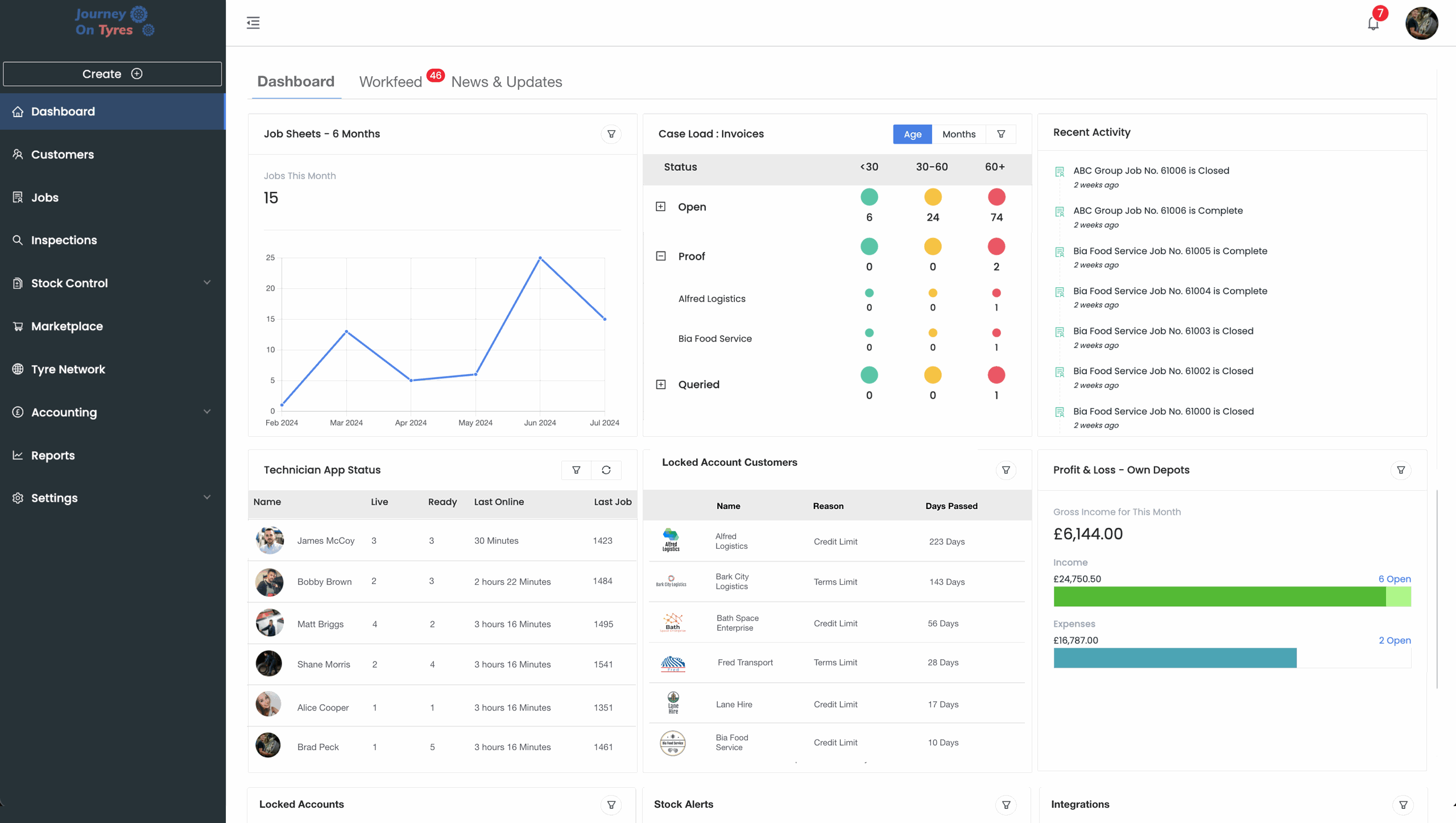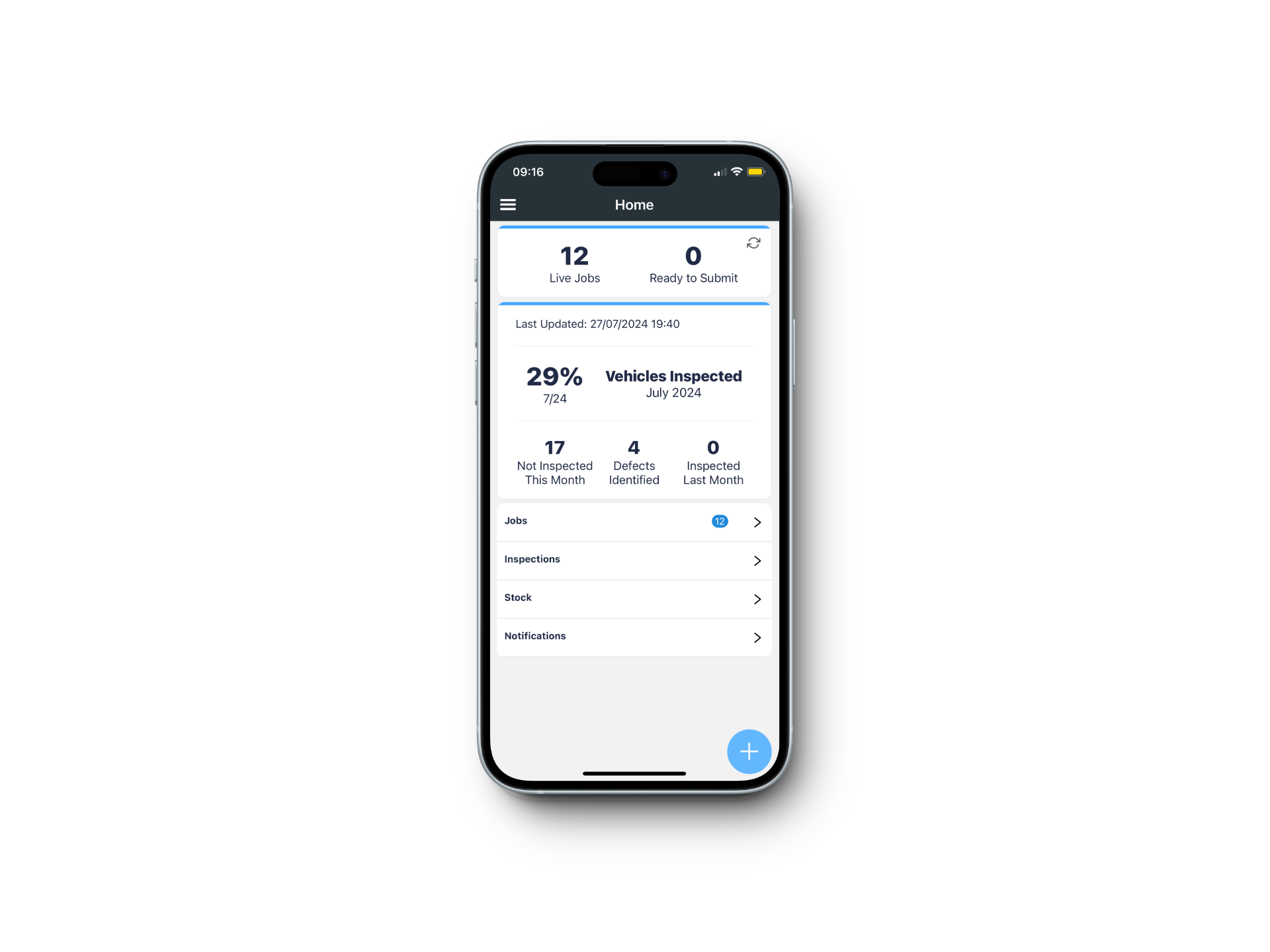

Video coming soon
Martin TilsonePotteries Tyres
Whether you manage a handful of local providers for your fleet customers or a national network, TyreOps is software for tyre management companies that removes the job sheet re-typing that eats your day and replaces it with consistent data on both sides.
No setup fees · Cancel anytime
Trusted by leading tyre businesses across the world





Managing work across other people’s businesses means chasing paperwork you didn’t create. Our software for tyre management companies connects your account directly to theirs, so the data arrives complete.
Set up network partners assigned to specific fleets, breakdown-only providers, or track ones still working through insurance and technician licences.
Work sent between TyreOps accounts flows straight into both systems. Nobody re-types a job sheet, and reporting stays consistent on both sides.
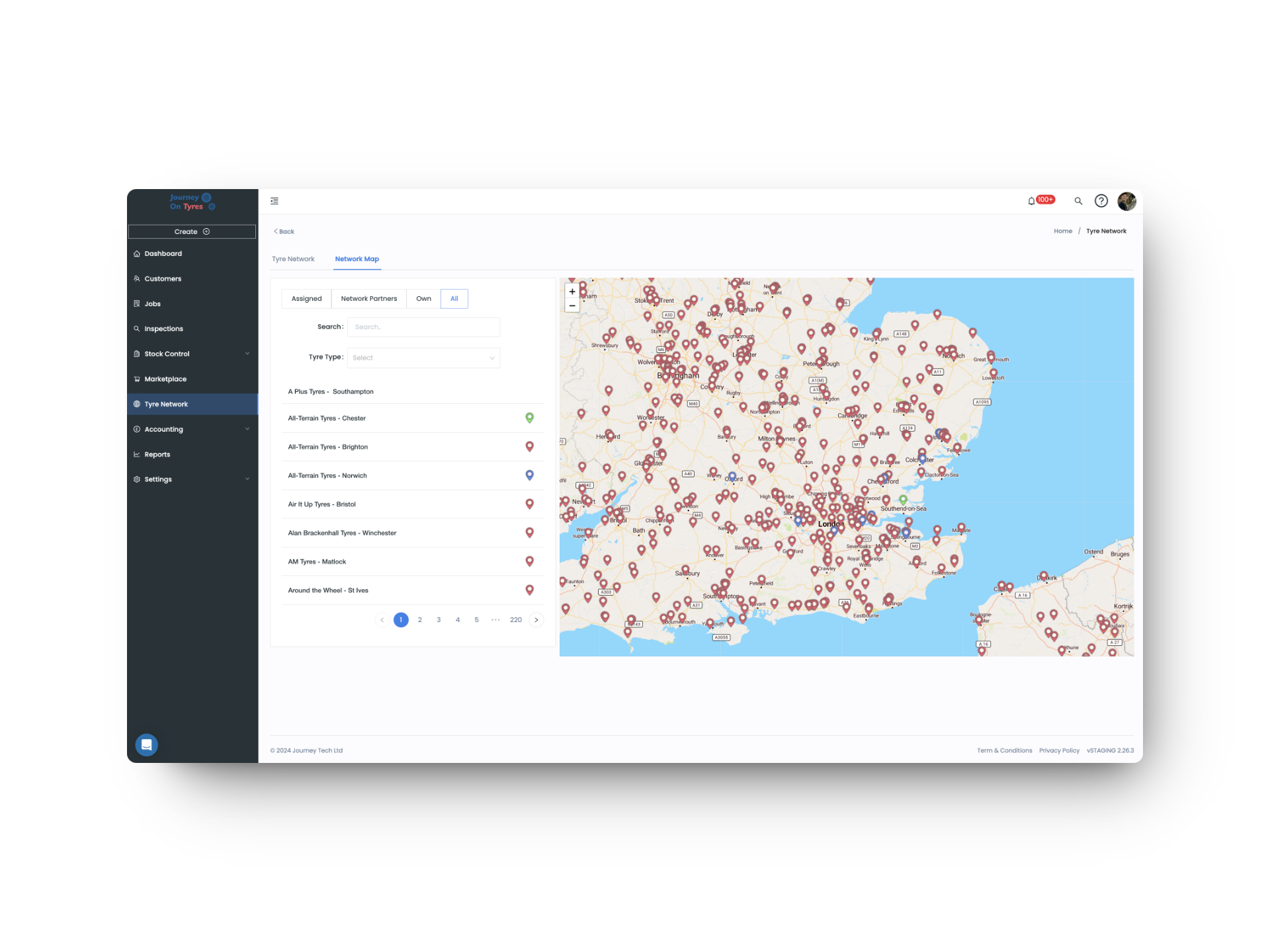
Check whether a provider holds the customer’s policy tyre before you send, see who’s nearby, and text GPS coordinates straight to them.
The provider checks their own work first, then you approve it. Only then does an invoice for them and an expense for you get created.
Track jobs, inspections, customer property, casings and spend for every partner, so you know exactly who’s earning their place.
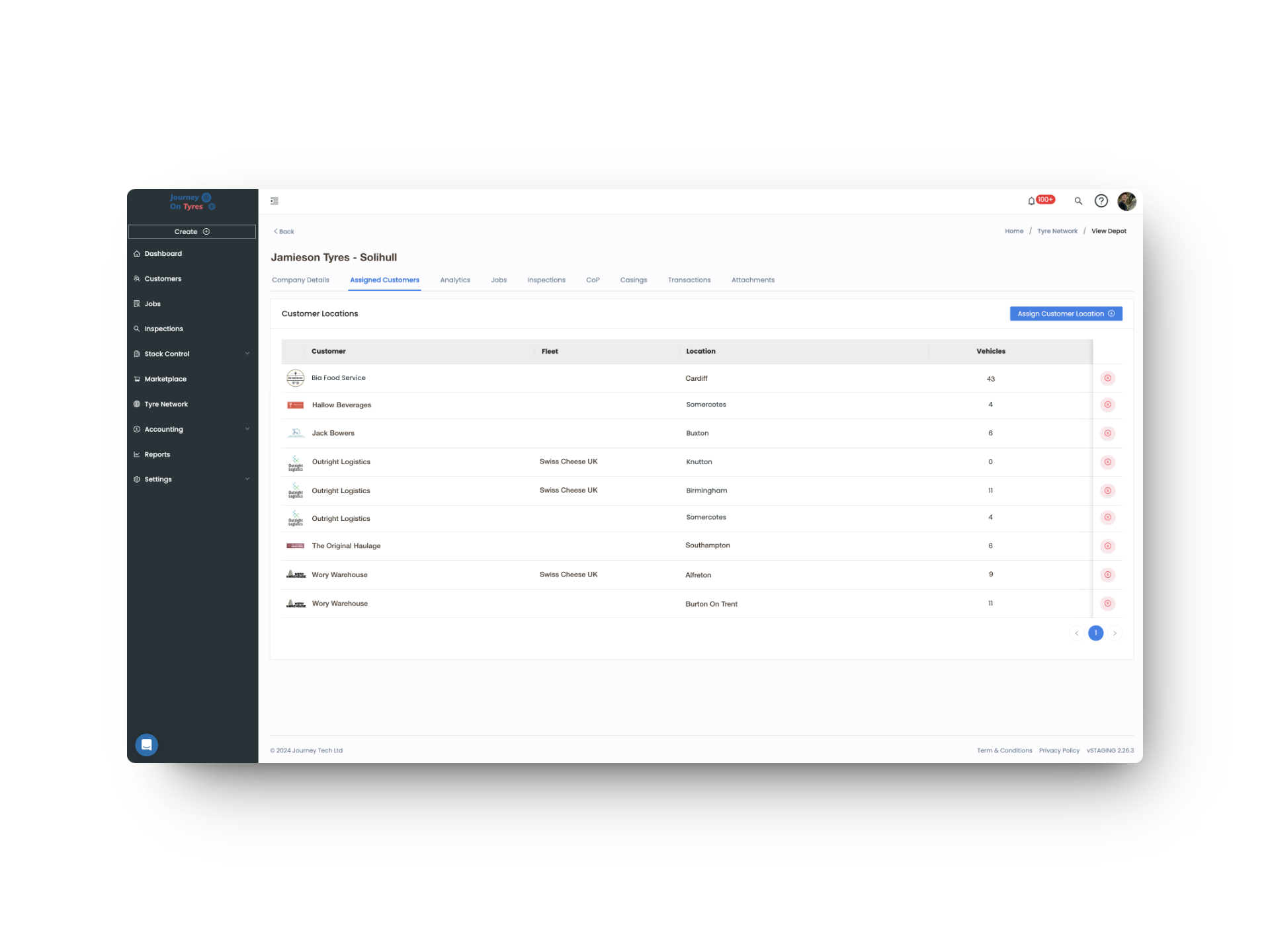
Assign a fleet or location to a partner and they can inspect those vehicles, with the data saving into both accounts automatically.
Set up network partners assigned to specific fleets and locations, breakdown-only providers, or track ones still completing their documentation. Click into any partner to see where they’re based, the work they’ve done, what they hold on your behalf, and every invoice you’ve paid them.
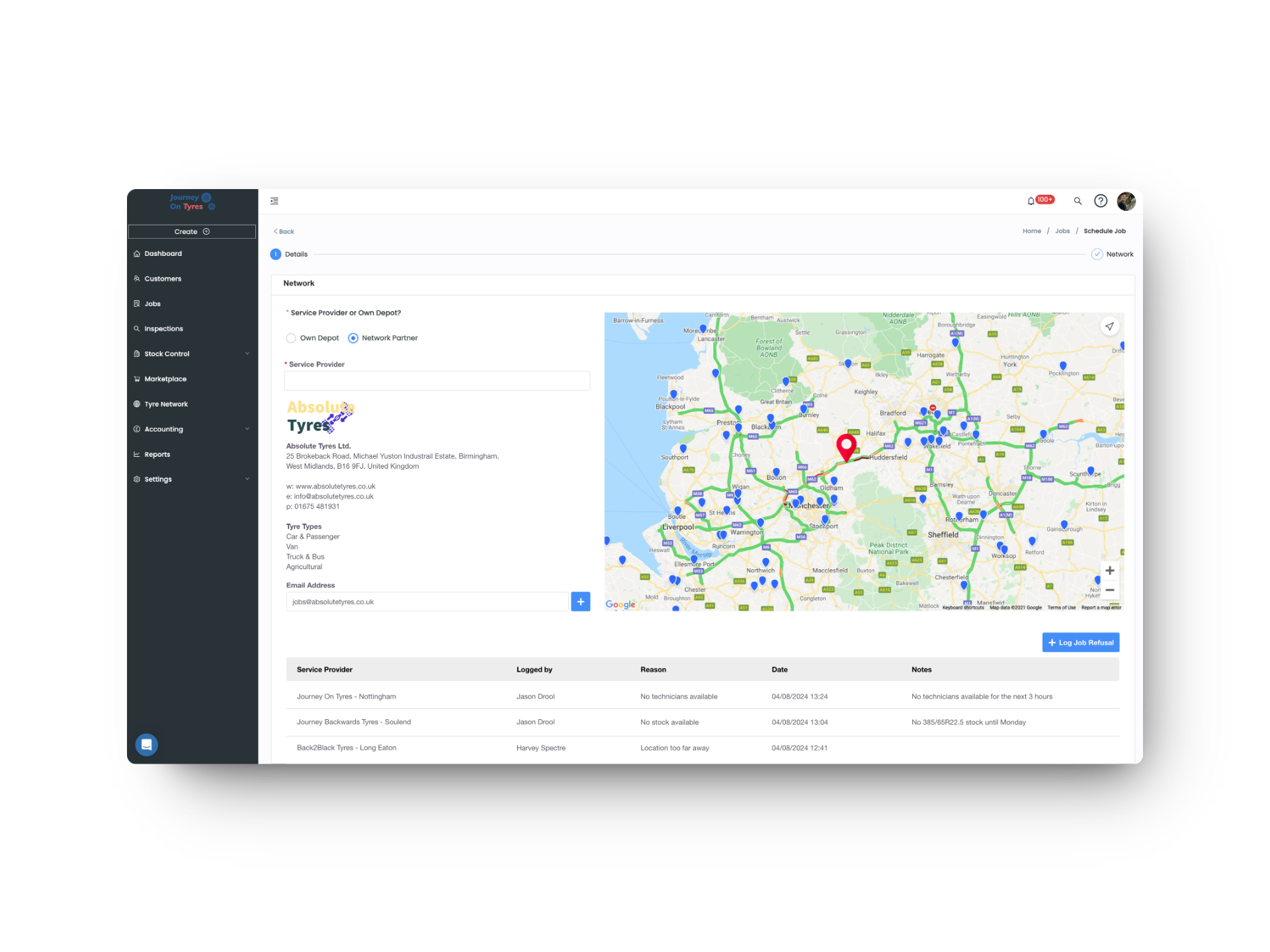
Before you dispatch, see whether a provider holds a tyre matching the customer’s policy and which providers are closest. Once the job is accepted, GPS coordinates can be texted straight to them, and full vehicle history is already attached when their technician arrives.
Plenty of businesses take the call, find a provider and raise the invoice. That’s a call centre, and TyreOps runs it well. But when a fleet puts a contract out to tender, they don’t ask whether you can dispatch a van. They ask what you can prove afterwards. TyreOps does both at once. Set each customer’s Service Type when you create their account, and the system captures exactly what that contract requires.
Same system. Same partners. Same invoicing. The only difference is Service Type, set per customer, so a contract that demands the full picture doesn’t force it on the customers who don’t want it.
Completed work returns to the provider first, who checks and edits it before you ever see it. Your approval then creates their invoice and your expense in one step, with the exact cost pulled through into the invoice you send your own customer.
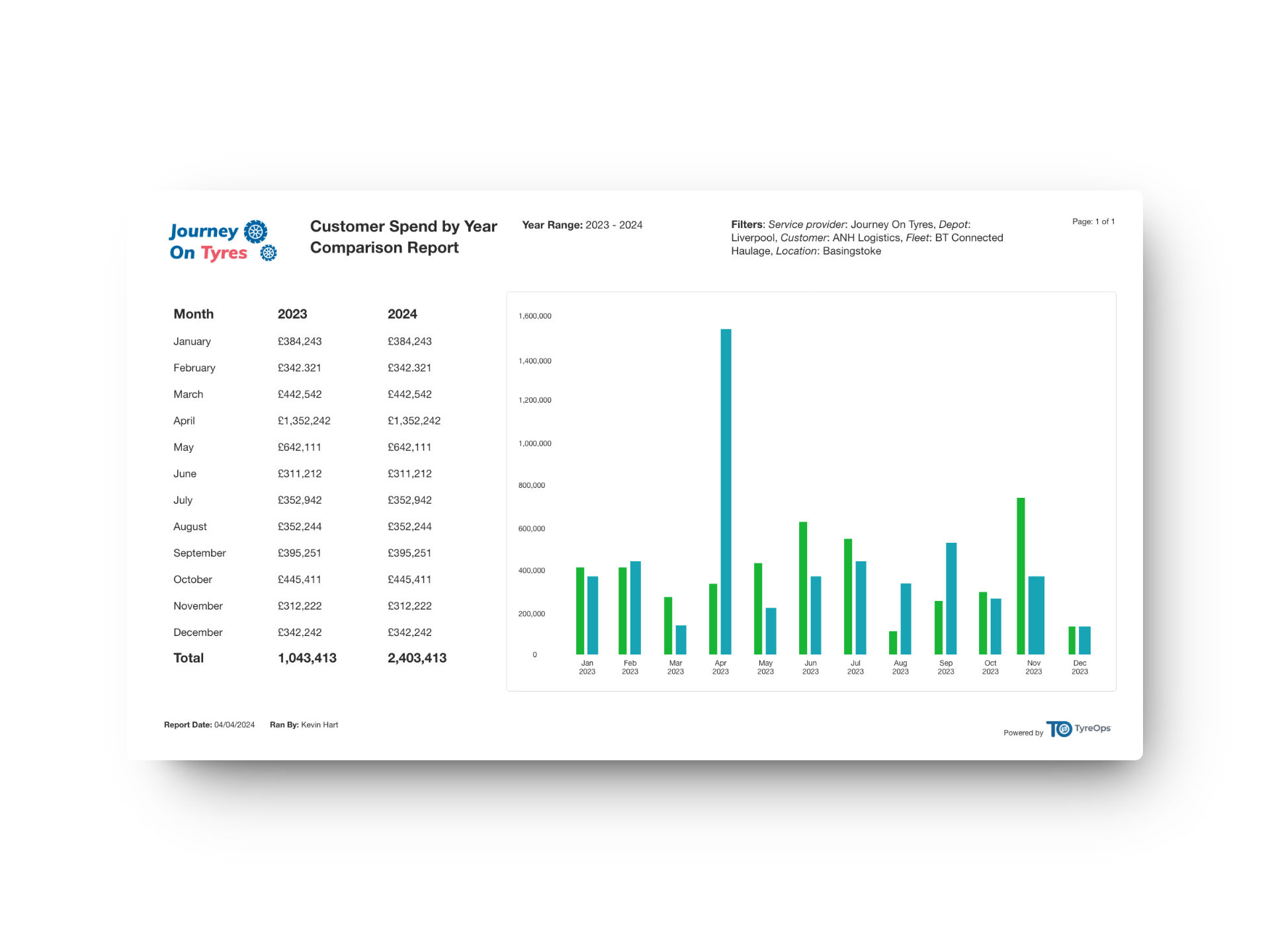
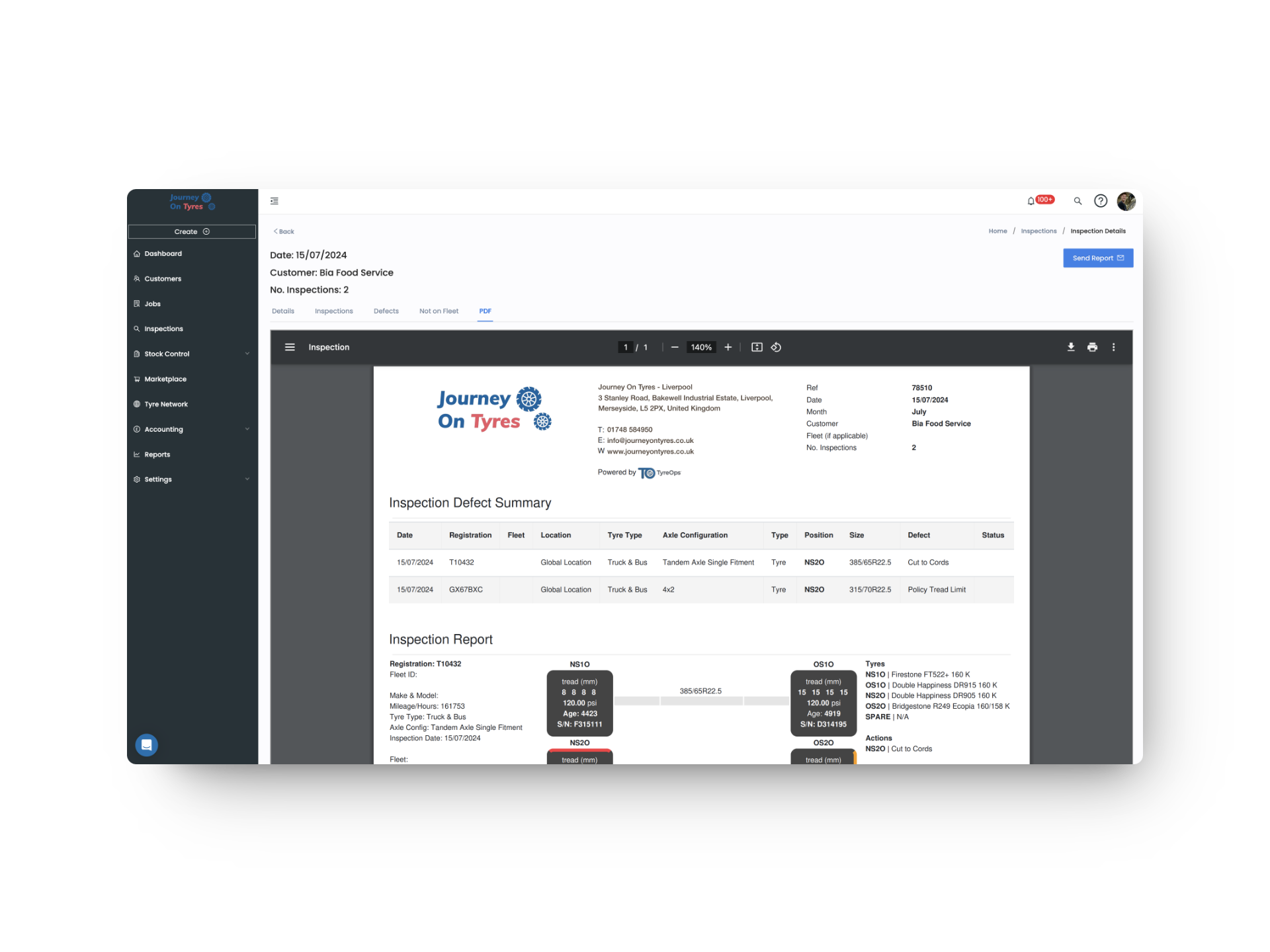
Before software for tyre management companies, job sheets arrived on paper or digital pen, then everything was re-typed by hand. Send work to a provider who also uses TyreOps and that disappears, with data landing complete in both accounts. Everyone else receives full job details by email, so your whole network still runs from one place.
Every provider you bring onto TyreOps removes another set of manual steps. Job data arrives complete, approvals happen faster, invoicing follows automatically, and your reporting gets more consistent with every partner who joins.
When your partners use TyreOps too, job sheets flow between accounts automatically, ending the manual re-keying that used to fill the day.
Performance, spend and inspection rates are tracked per partner, so decisions are based on data not impressions.
Third-party invoices carry the exact cost you paid, so margin on network work is visible before you bill.
TyreOps modules all work from the same data. Explore how other TyreOps features complement your tyre operation.
Create, assign and track tyre jobs from any device, with mobile job cards for your fitters.
Tyre NetworkSend and receive jobs across a network of service providers, with performance tracked per partner.
AccountingThird-party invoices, automatic expenses and network price lists.
Browse All FeaturesSee everything TyreOps can do, from real-time dashboards to automated invoicing.
See how our software for tyre management companies works for each person coordinating a service partner network.
Book a personalised demo and see how TyreOps would run your tyre operations. 30 minutes. No obligation.


Yes. Each customer is assigned a Service Type when their account is set up: Call Centre or Tyre Management. Accounts that only need work dispatched and invoiced stay that way, while contracts demanding full tyre data, wheel security records, inspections, spend analysis and policy reporting capture the complete picture. One system, one set of partners, two levels of service.
No. Providers who don’t use TyreOps receive full job details by email and return the completed work the same way, so you can build your network from any provider. When a provider does use TyreOps, job data flows straight into both accounts, approvals and invoicing move faster, and there’s no double keying on either side.
Yes. The network works the same whether you’re supporting a couple of local providers for your fleet customers or running a national operation, so there’s no minimum to build towards.
You can see whether a provider holds a tyre matching the customer’s policy before dispatching, though not the exact quantity, along with which other providers are nearby.
Yes. The provider checks and edits their own work first, then it comes to you for approval. Only once you approve does an invoice for them and an expense for you get created.
Yes. Assign a fleet or location to a partner and they can inspect those vehicles, with the data saving into both TyreOps accounts and visible to your customer.
Expenses generate automatically once you approve completed work, priced against either a general network price list or one specific to that provider.
100+ tyre businesses already use TyreOps