

Tyre Depot Management Software for Depot Managers
Tyre depot management software that gives your depot managers one screen to run the day from, and the authority to check every job and stock adjustment before it counts.
Trusted by 100+ tyre businesses · No setup fees
Trusted by leading tyre businesses across the world





How Tyre Depot Management Software Works in Six Steps
See how a depot manager uses tyre depot management software to run the whole day from Workfeed: accepting work, planning it, checking it and approving what changes your records.
- 1
Start in Workfeed
Incoming jobs from your network, customer logins and manufacturer portals land in one inbox, ready to accept or decline.
Nothing gets missed, and nothing gets handled twice.
- 2
Plan the Day
The calendar runs by ramp or technician, with jobs and inspections already scheduled in.
Capacity is visible before the day starts, not after.
- 3
Catch What’s Coming
Proactive maintenance flags tyres due, ageing tyres, overdue MOTs and defects from inspections.
Planned work replaces expensive reactive callouts.
- 4
Check the Work
Completed jobs return for review, where details can be corrected before anything is sent.
Errors are caught in-house, not by your customer.
- 5
Close and Invoice
Authorising a job closes it and generates the invoice automatically, pulling every item and price through.
No re-keying, no delay between work and billing.
- 6
Approve What Counts
Stock check adjustments and casing decisions are reviewed and signed off before they change anything.
Your stock and casing records stay trustworthy.
A Depot Manager’s Whole Day, From One Screen
One Screen for the Whole Day
Job inbox, task board, calendar and proactive alerts all sit in Workfeed, so the day starts in one place instead of five.
Plan by Ramp or Technician
View the diary by month, week, day, ramp or technician, with jobs and inspections scheduled in automatically.
Catch Problems Before Breakdowns
Tyres due, ageing stock, overdue MOTs and inspection defects surface before they turn into a breakdown call.
Accept or Decline Incoming Work
Jobs arriving from your network, customer logins or manufacturer portals are accepted or declined with full detail and value shown upfront.
Nothing Reaches a Customer Unchecked
Completed jobs are checked and edited before the customer ever sees them, then authorised and closed to trigger the invoice.
Approve What Changes Your Records
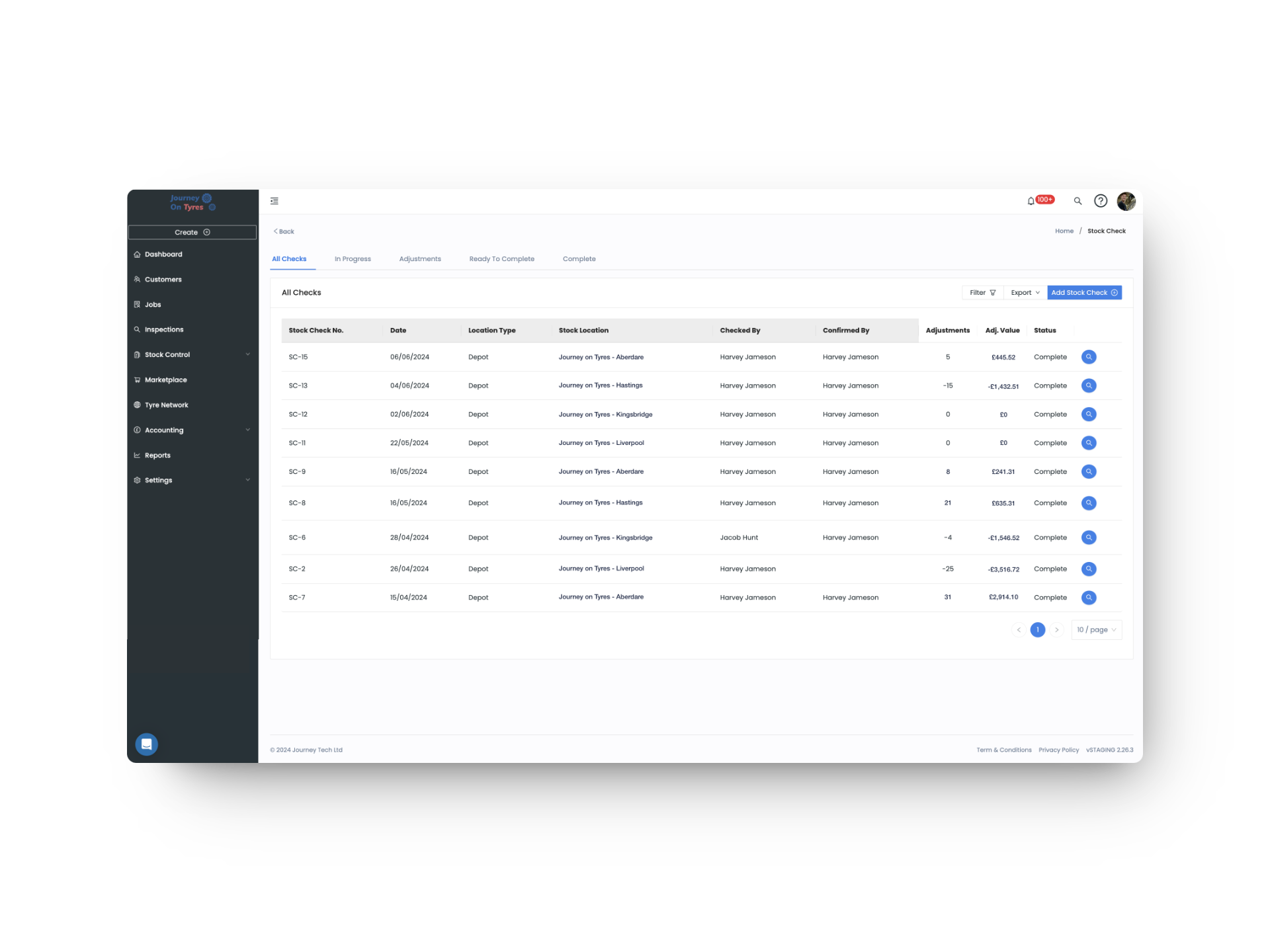
Anyone can run a stock check, but adjustments only go live once approved, and casings only move once a decision is made.
One Screen
Inbox, Calendar and Alerts
Live
Stock, Jobs and Defects
Every Job
Checked Before It Sends
Multi-Source
Network, Customer and Manufacturer Work
What a Tyre Depot Manager Runs and Approves
Run the Tyre Depot From One Screen
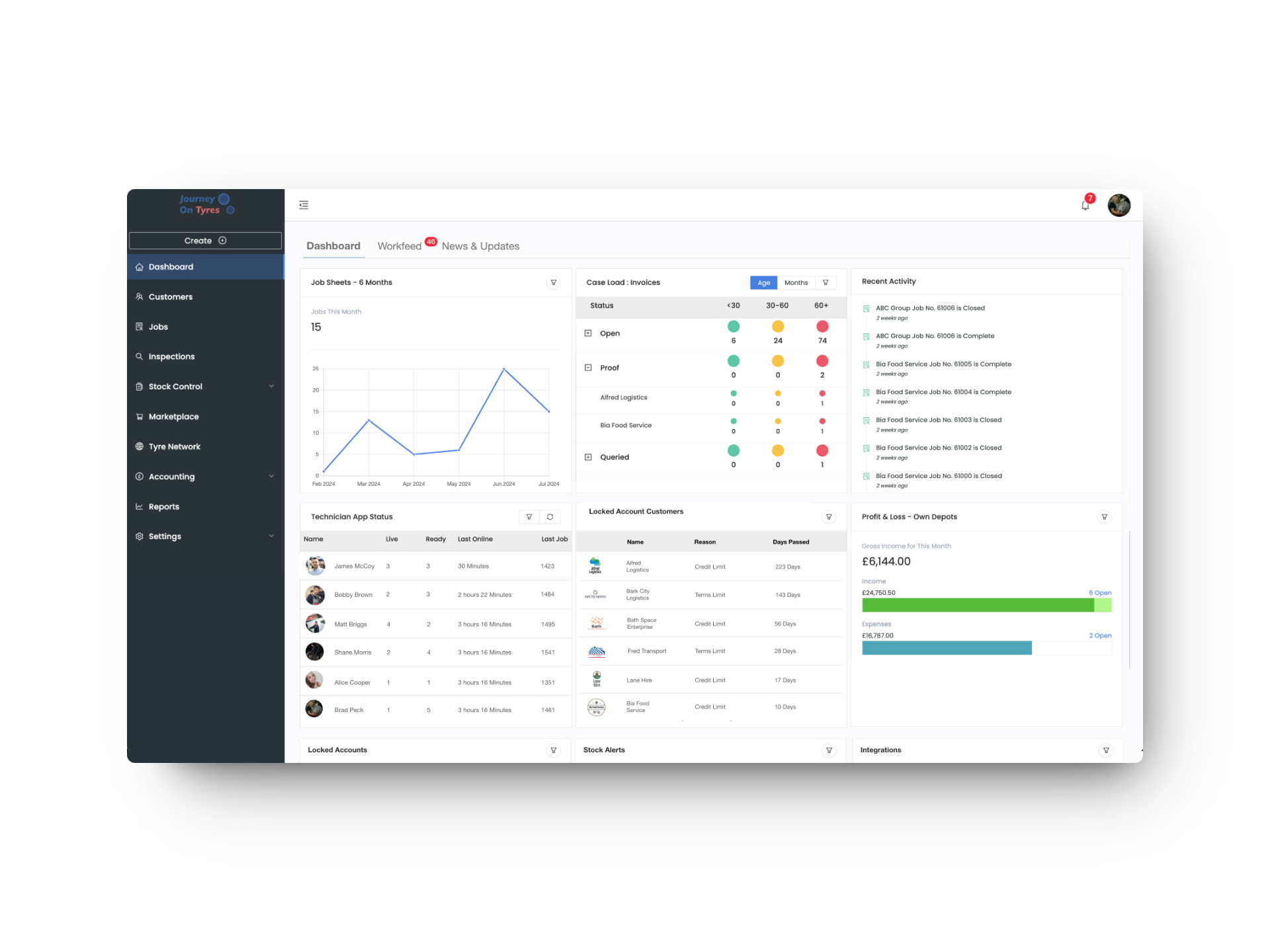
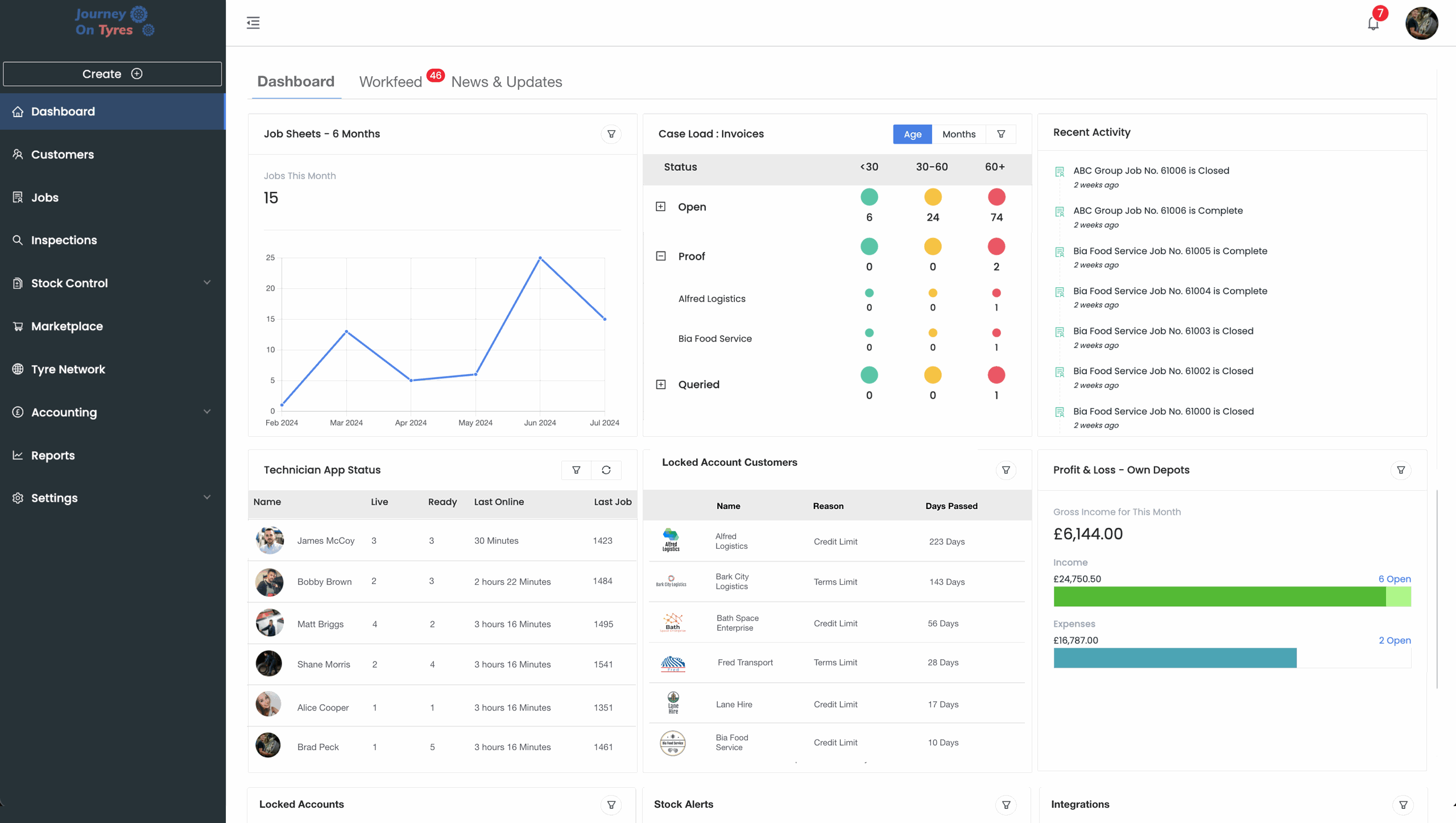
Workfeed is the part of our tyre depot management software that puts the job inbox, task board, calendar and proactive maintenance alerts on one screen. Incoming work is accepted or declined with full detail and value shown, the diary runs by ramp or technician, and tyres due, ageing stock and inspection defects surface before they become breakdown calls.
- Job inbox for network, customer and manufacturer work
- Task board showing only what’s live or upcoming
- Calendar by month, week, day, ramp or technician
- Proactive alerts for tyres due, tyre age, MOTs and defects
Depot Manager Approval for What Actually Counts
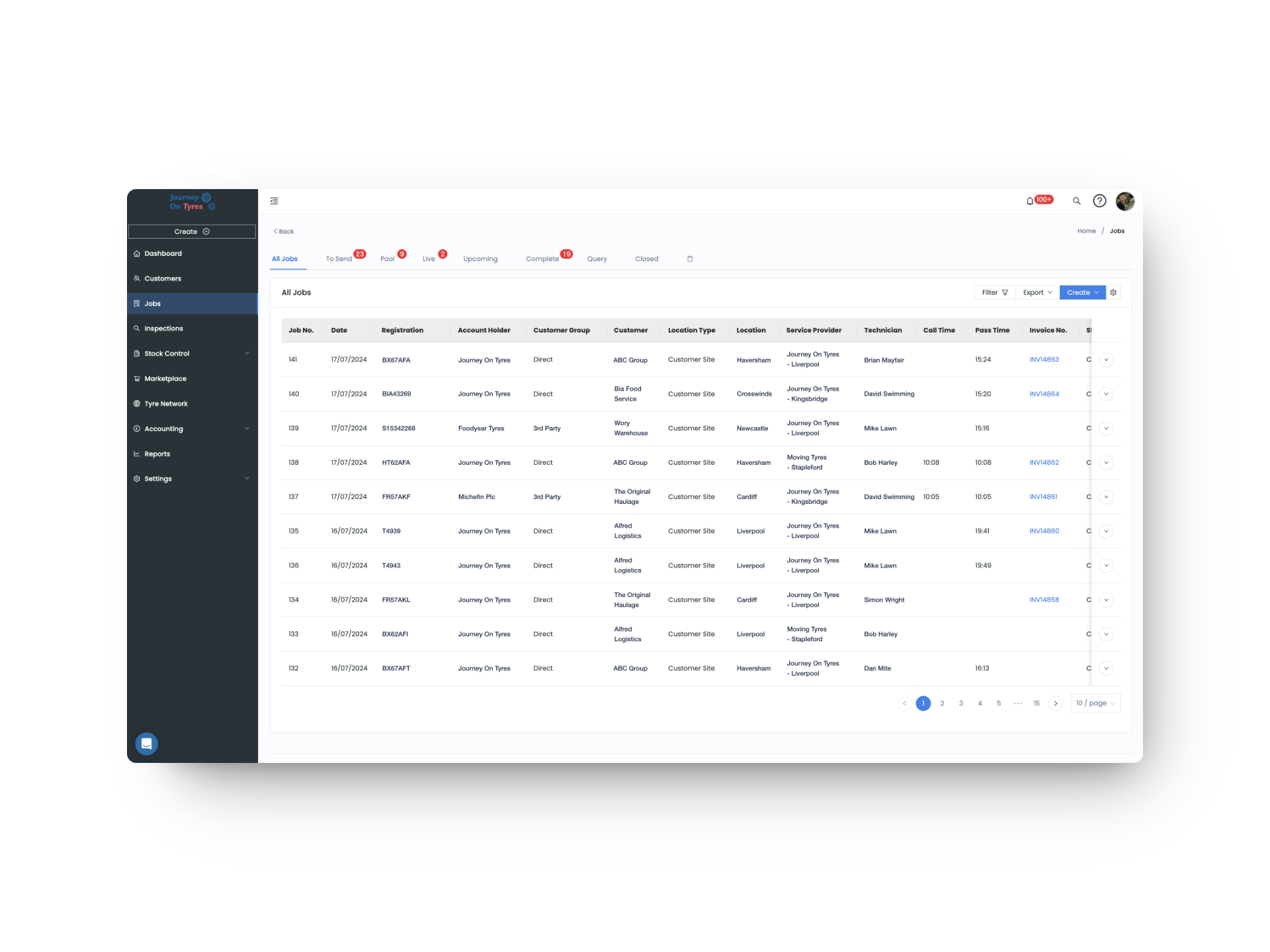
With tyre depot management software, completed jobs return to your depot manager before they reach the customer, where anything missing or incorrect gets fixed. Authorising closes the job and generates the invoice automatically. Stock check adjustments and casing decisions work the same way: reviewed and signed off before they change your records.
- Check and edit job sheets before they’re sent
- Authorise a job to close it and trigger the invoice
- Approve stock check adjustments before they go live
- Decide the outcome for every casing in the bank
Hear From Tyre Depot Managers Using TyreOps
Roles That Work With Tyre Depot Managers
See TyreOps in Action
Book a personalised demo and see how TyreOps would run your tyre operations. 30 minutes. No obligation.


Trusted by 100+ UK tyre businesses
Tyre Depot Management Software FAQs
Which part of the tyre depot management software does a depot manager use day to day?
Workfeed. It brings together the job inbox, task board, calendar and proactive maintenance alerts, so the whole day runs from one screen rather than several.
Can depot managers accept or decline incoming work?
Yes. Jobs arriving from your Tyre Network, account customers’ logins, or manufacturer portals land in one inbox, showing the vehicle, work required, location and estimated value before a decision is made.
Can tyre depot management software spot problems before they become breakdowns?
Yes. Proactive maintenance flags tyres predicted for replacement, tyres ageing past legal limits, upcoming MOTs, and defects picked up during inspections, all ready to convert into scheduled work.
Can a depot manager check a job before the customer sees it?
Yes. Completed jobs return for review, where anything missing or incorrect can be edited. Only once authorised does the job close and the job sheet and invoice go out.
Do depot managers approve stock checks?
Yes. Anyone can carry out a stock check, but the resulting adjustments go to a depot manager or director for review before they’re applied to your records.
Can I control what a depot manager can and can’t do?
Yes. User access levels are set by your directors, so you decide exactly which approvals, edits and areas each depot manager has access to.




100+ tyre businesses already use TyreOps