

Tyre Invoicing Software for Office Admin
With TyreOps tyre invoicing software, invoices build themselves from closed jobs, customers add their own order numbers, and everything syncs to your accounting software without a single export.
Trusted by 100+ tyre businesses · No setup fees
Trusted by leading tyre businesses across the world





How Tyre Invoicing Software Works in Six Steps
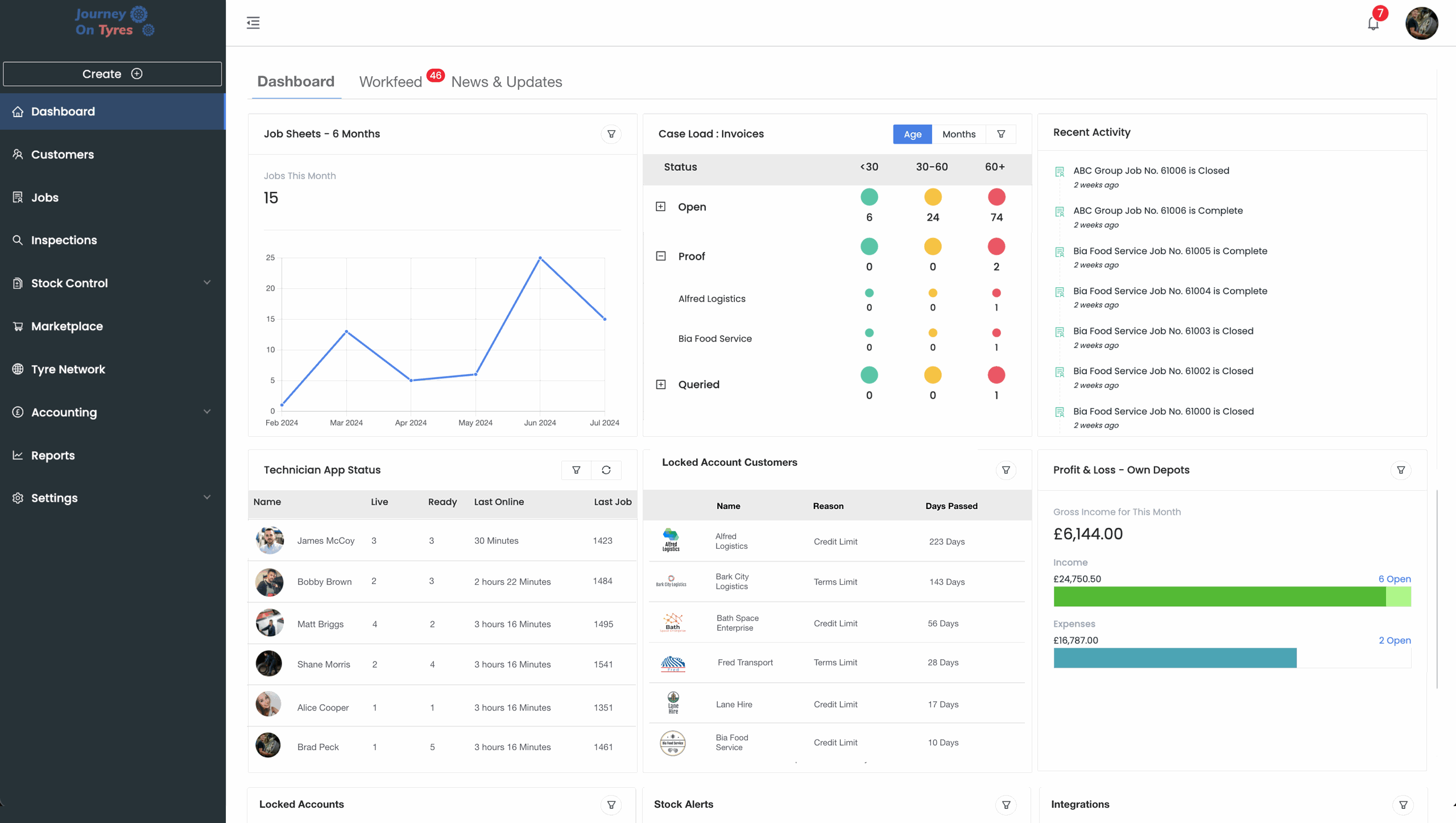
See what a day with tyre invoicing software looks like when the invoices are already built and the sync takes care of itself.
- 1
The Invoices Are Already There
Jobs closed by your depot managers have already generated invoices, with items, prices and job details pulled through.
No invoice gets built from scratch.
- 2
Check and Send
Confirm the details, and the invoice sends by email with the job sheet PDF attached automatically.
Minutes of checking replace hours of data entry.
- 3
No Chasing Order Numbers
Customers add their own order numbers through their login, and invoices can be blocked from sending without one.
Fewer queries, faster payment.
- 4
Log What Goes Out
Stock purchases, third-party provider payments and petty cash are recorded in the same place.
One record of money in and money out.
- 5
Everything Syncs Itself
Invoices and expenses flow to Xero, QuickBooks or Sage every 15 to 20 minutes, automatically.
No exporting, no importing, no month-end scramble.
- 6
Fix Without Starting Over
Anything wrong is edited directly on the invoice, and the correction resyncs on its own.
No credit notes, no rebuilding from scratch.
What Tyre Invoicing Software Does for Office Admin
Invoices That Build Themselves
Closing a job generates the invoice automatically, pulling through every item, price and job detail with nothing to re-enter.
Four Invoice Types, One Workflow
Service, wholesale, third-party and group invoices each work the way that part of the business actually bills.
Customers Who Do Their Own Admin
Customers approve their own invoices and add their own order numbers through their login, so nobody is chasing them by phone.
Group Invoicing for Fleet Customers
Bundle a week or a month of invoices into one PDF, with every item line and links to each job sheet, for fleet customers who need it.
Expenses and Purchases in One Place
Stock purchases, third-party payments and petty cash all logged in one place, then synced with everything else.
Edit Anytime, No Credit Note Needed
Corrections are made directly on the invoice and resync automatically, with no credit note and no rebuild required.
Automatic
Invoices From Closed Jobs
15-20 Min
Sync To Your Accounting Software
Four Types
Service, Wholesale, 3rd Party, Group
Zero
Re-Keying Into Accounting
Tyre Invoicing Software That Raises and Syncs
Raise Tyre Invoices Without Building Them
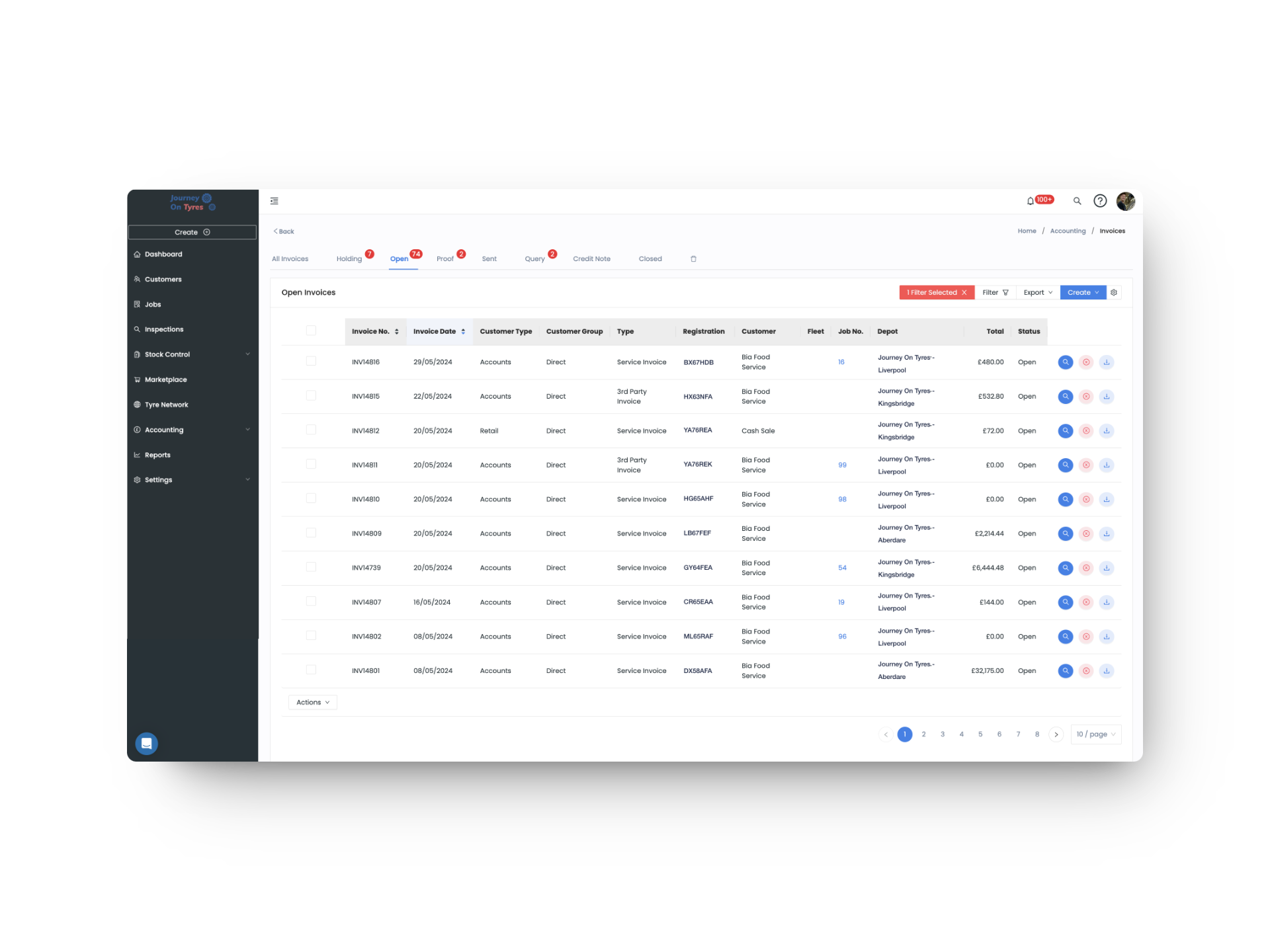
With tyre invoicing software, closing a job generates the invoice, pulling through every item, price and job detail. Service, wholesale, third-party and group invoices each work the way that part of the business bills, and customers can approve their own invoices and add their own order numbers through their login before anything is sent.
- Invoices generated automatically from closed jobs
- Service, wholesale, third-party and group invoice types
- Customers approve and add order numbers themselves
- Invoices blocked from sending without an order number
Sync to Xero, QuickBooks or Sage Without Touching It
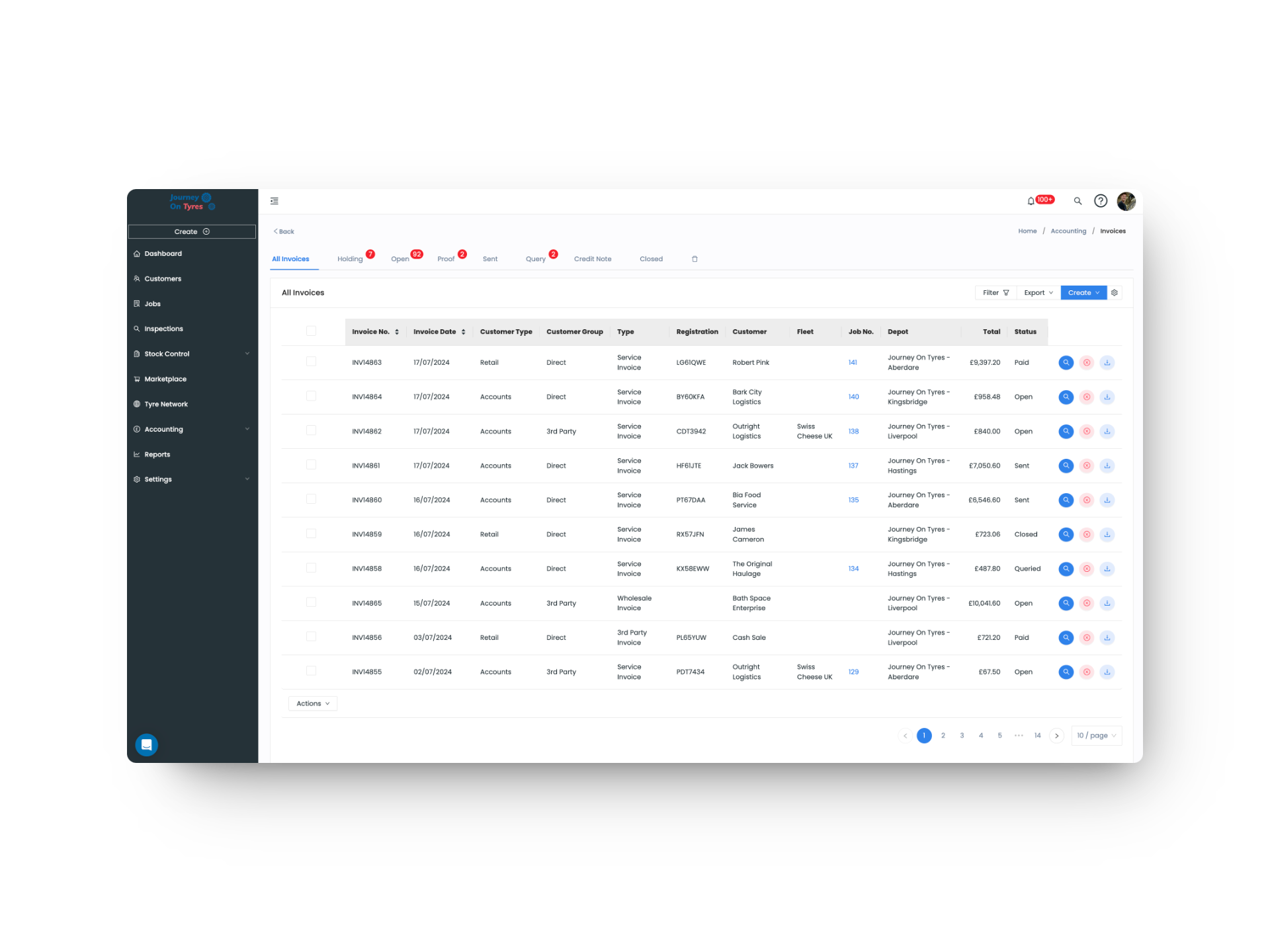
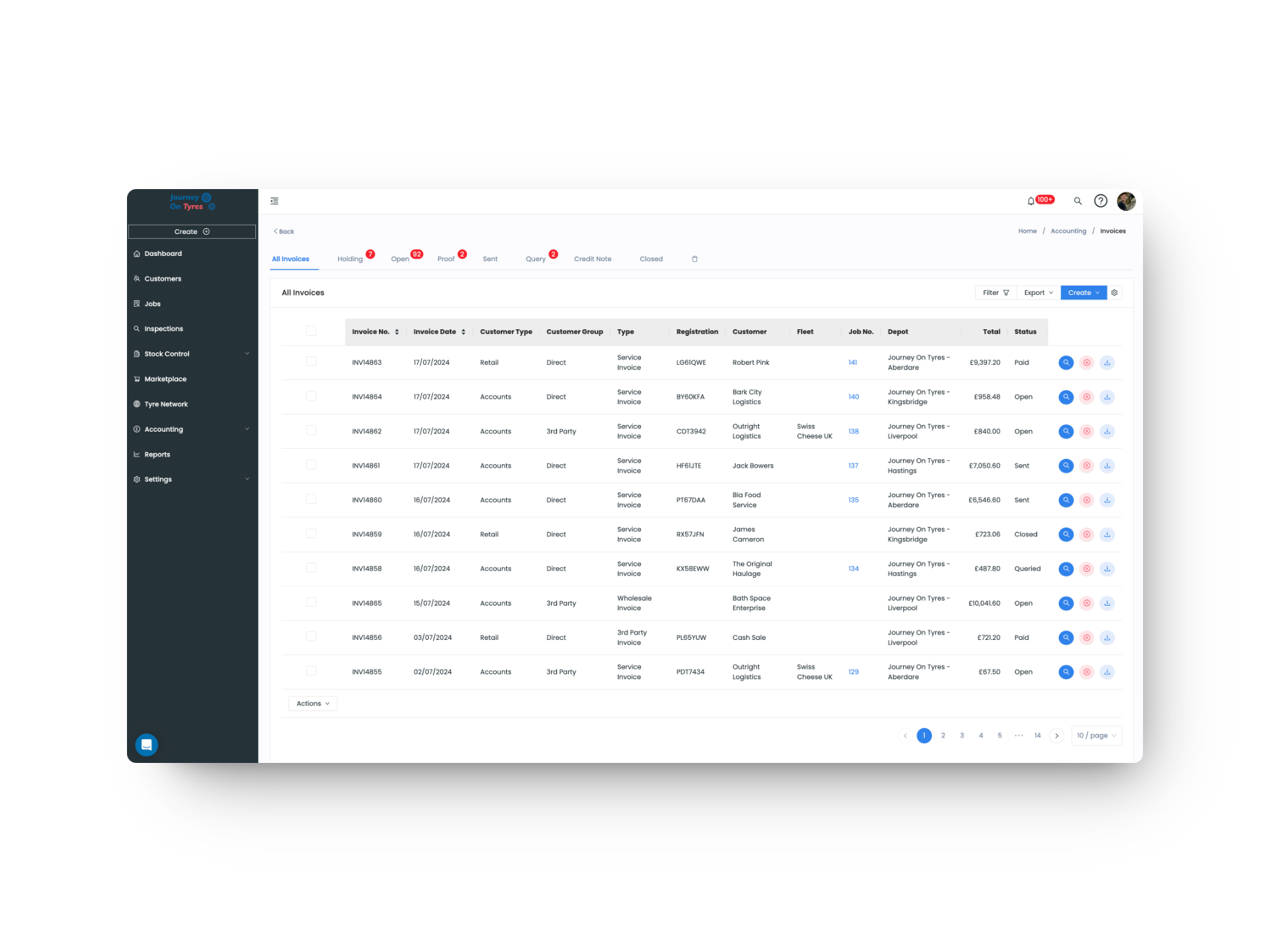
Our tyre invoicing software logs stock purchases, third-party provider payments and petty cash alongside your invoices, then everything syncs to Xero, QuickBooks or Sage every 15 to 20 minutes. If something needs correcting, it’s edited directly and resyncs on its own, with no credit note and no rebuild.
- Stock purchase, third-party and petty cash expenses
- Automatic sync every 15 to 20 minutes
- Edit any invoice and let the correction resync itself
- Failed syncs show the exact issue, ready to resend
Hear From Office Admin Teams Using TyreOps
Who Else Uses Tyre Invoicing Software
See TyreOps in Action
Book a personalised demo and see how TyreOps would run your tyre operations. 30 minutes. No obligation.


Trusted by 100+ UK tyre businesses
Tyre Invoicing Software FAQs
How automatic is TyreOps tyre invoicing software?
Closing a job generates the invoice with every item, price and job detail already pulled through. Your team checks the details and sends it, rather than building anything from scratch.
Can customers add their own order numbers?
Yes. Customers with a login can view and approve their own invoices and enter their own order numbers, removing the back-and-forth that usually delays payment.
Can tyre invoicing software stop an invoice going out without an order number?
Yes. Order numbers can be made mandatory per customer, so an invoice can’t be sent until one has been entered.
Can we send one invoice covering a whole month?
Yes. Group invoicing bundles multiple invoices into a single PDF for any period you choose, showing every item line with links through to each job sheet.
What happens if an invoice is wrong after it’s been sent?
Edit it directly. There’s no need to raise a credit note and rebuild it, and the correction resyncs to your accounting software automatically.
What happens if a sync to our accounting software fails?
The invoice’s Integrations tab shows exactly what went wrong, so it can be fixed and resent without recreating anything.




100+ tyre businesses already use TyreOps